EXERCISE - Scripts 19
PageMaker 6.5 Advanced 2002 Cheltenham Computer Training
FOR USE AT THE LICENSED SITE(S) ONLY
Cheltenham Computer Training 1995-2002 - www.cctglobal.com
Scripts
Applying Scripts
• Close the Chapter 3.p65 publication and open the Chapter 2.p65 file from your PageMaker
6.5 Advanced Work Folder.
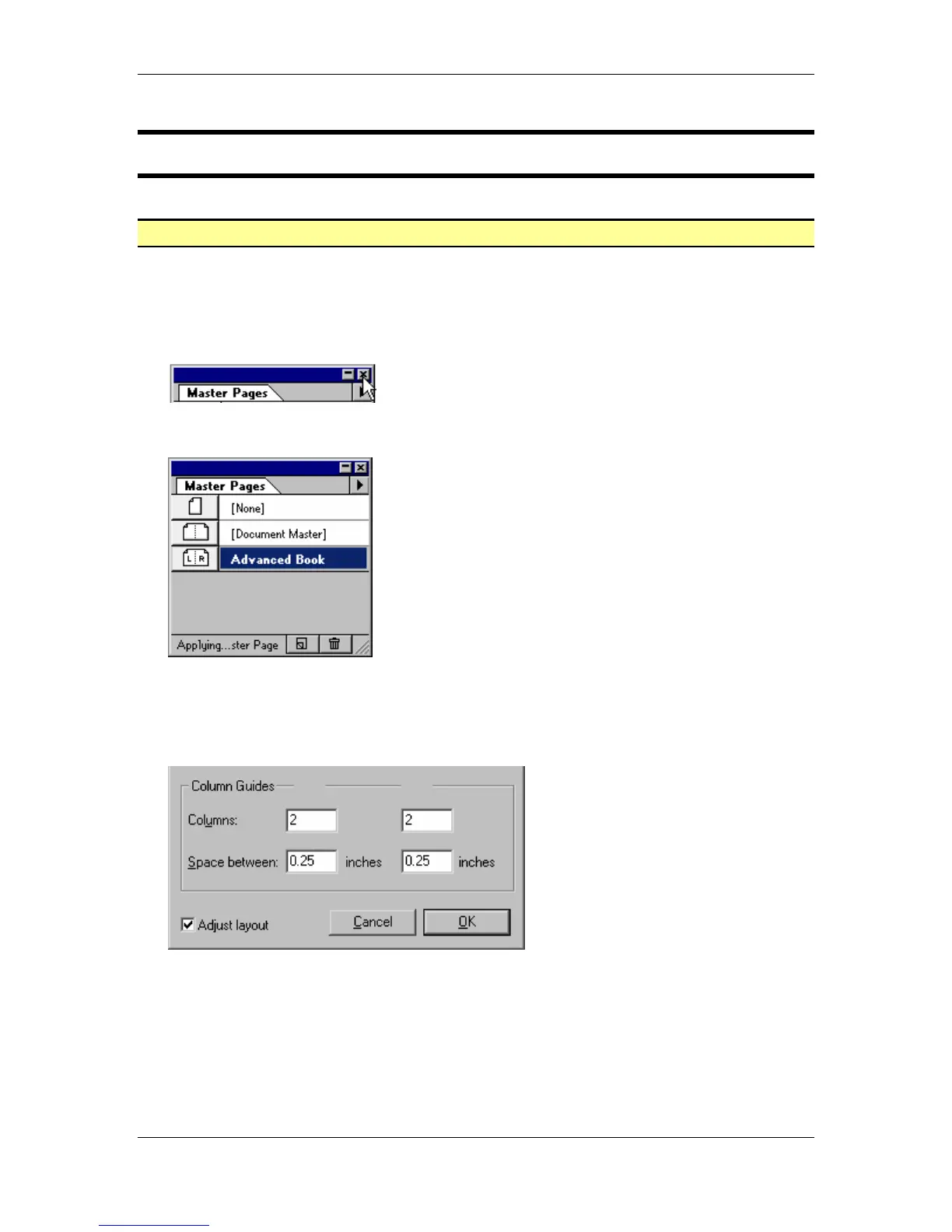
• Note: If the Master Pages palette is already open when you launch PageMaker 6.5, close
the palette by selecting the X at the far right of the Master Pages palette:
• Press the Ctrl + Shift + 8 key combination to display the Master Pages palette:
• From the Master Pages palette, double-click the Advanced Book master page to open the
Master Page Options dialog box.
• In the Column Guides section of the Master Page Options dialog box, make the following
changes:
Left Master Column - 2
Space between - 0.25 inches
Right Master Column - 2
Space between - 0.25 inches
Adjust Layout - Checked
• Click the OK button.



 To Next Page