Documents 25
PageMaker 6.5 Foundation 2001 Cheltenham Computer Training
FOR USE AT THE LICENSED SITE(S) ONLY
Cheltenham Computer Training 1995-2001 - www.cctglobal.com
Changing the
Document
Setup
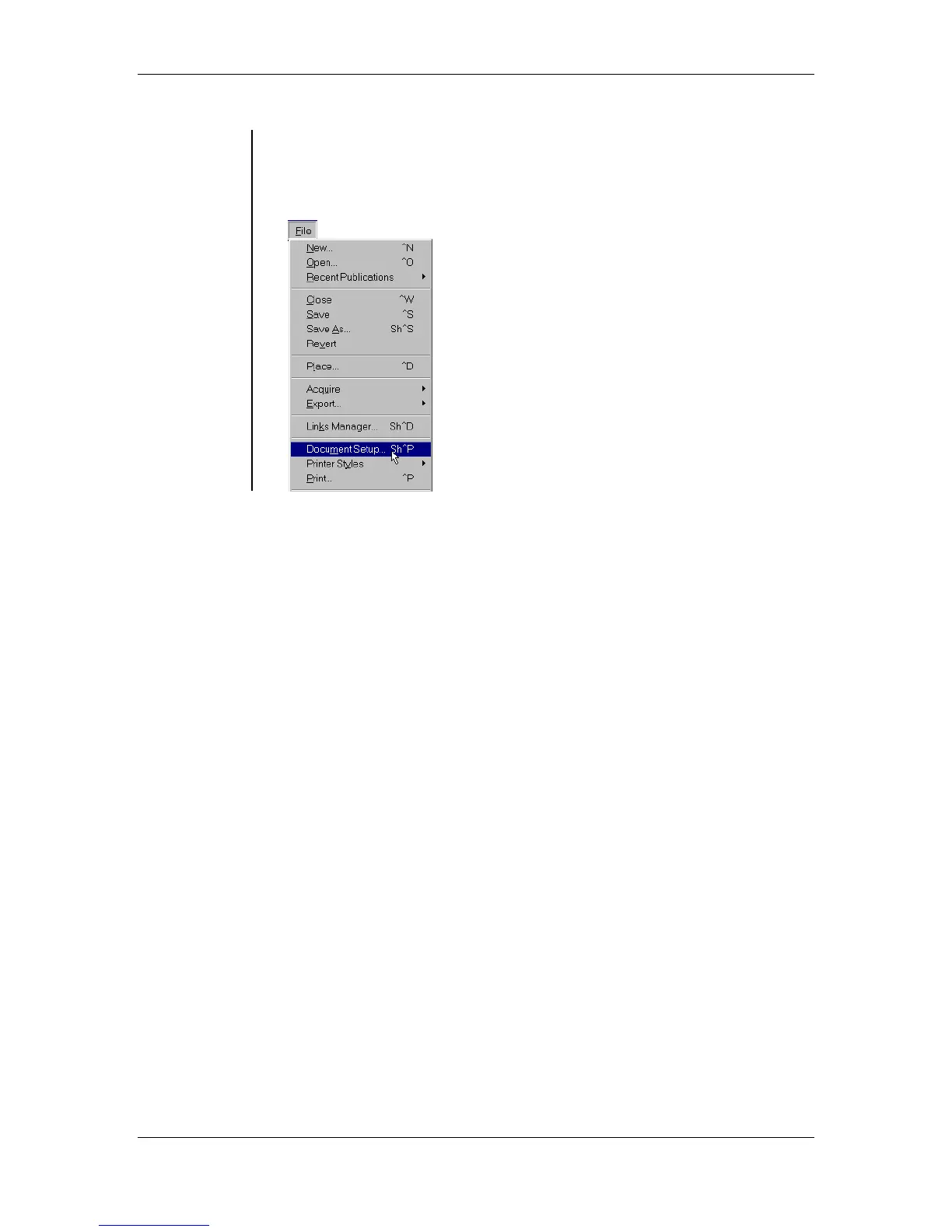
• Although the Change Setup dialog box appears when you choose
File > New to create a new publication, you can modify a publication's
Document Setup at any point in your work by choosing File >
Document Setup while the publication is active:



 To Next Page