Working With Type 39
PageMaker 6.5 Intermediate 2001 Cheltenham Computer Training
FOR USE AT THE LICENSED SITE(S) ONLY
Cheltenham Computer Training 1995-2001 - www.cctglobal.com
Working With Paragraphs
© Cheltenham Computer Training 2001
Adobe PageMaker 6.5 - Slide No 16
Working With Paragraphs
•
The Paragraph Specifications dialog box
allows you to apply many formatting
commands that are
not available on the
Control palette.
Displaying
the
Paragraph
Specification
s dialog box
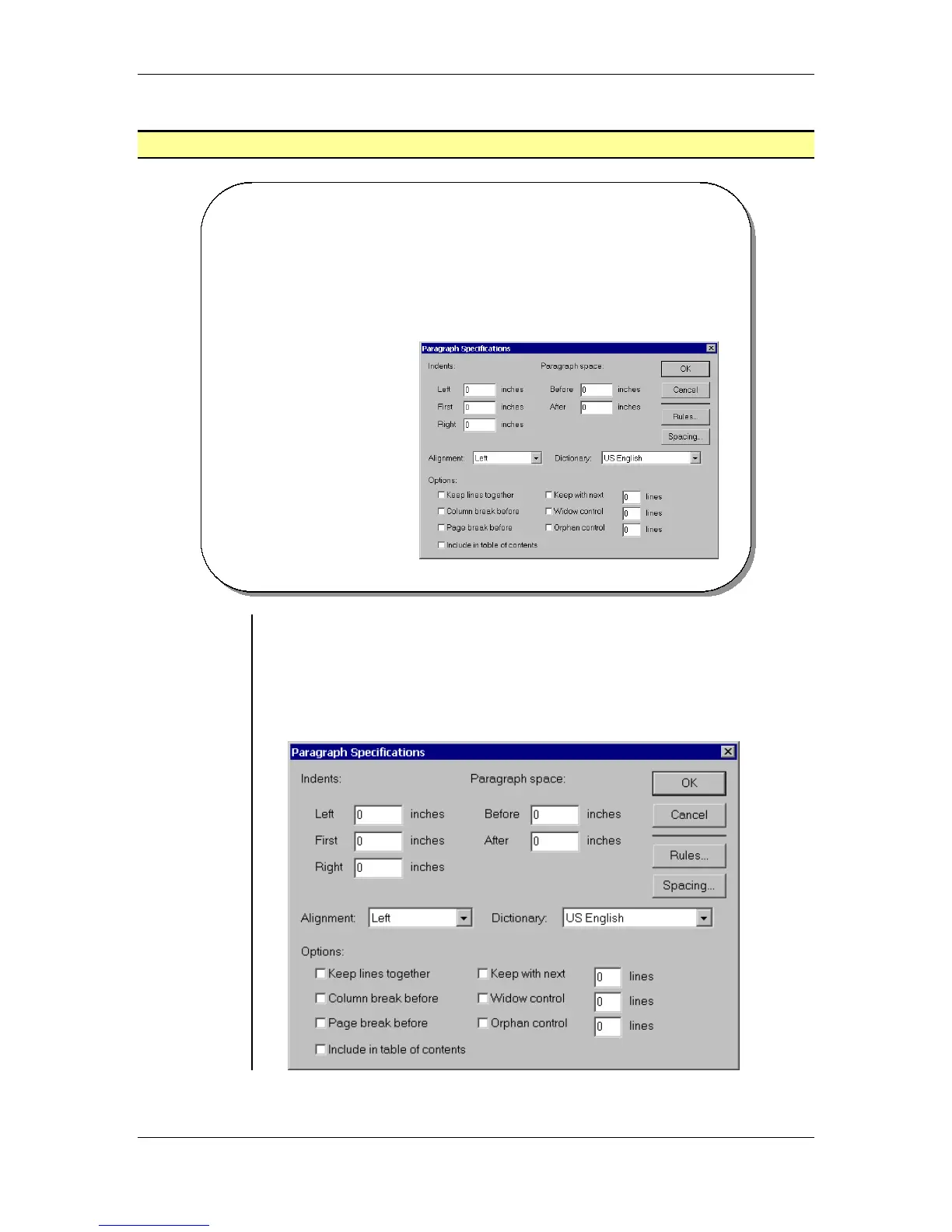
• The Paragraph Specifications dialog box allows you to apply many
formatting commands that are not available on the Control Palette.
To display the Paragraph Specifications dialog box:
• From the main menu, choose Type > Paragraph
OR
press the Ctrl + M key combination:



 To Next Page