16 Text - EXERCISES
2001 Cheltenham Computer Training PageMaker 6.5 Foundation
FOR USE AT THE LICENSED SITE(S) ONLY
Cheltenham Computer Training 1995-2001 - www.cctglobal.com
• With the text highlighted, press the Delete key, or press the Backspace key.
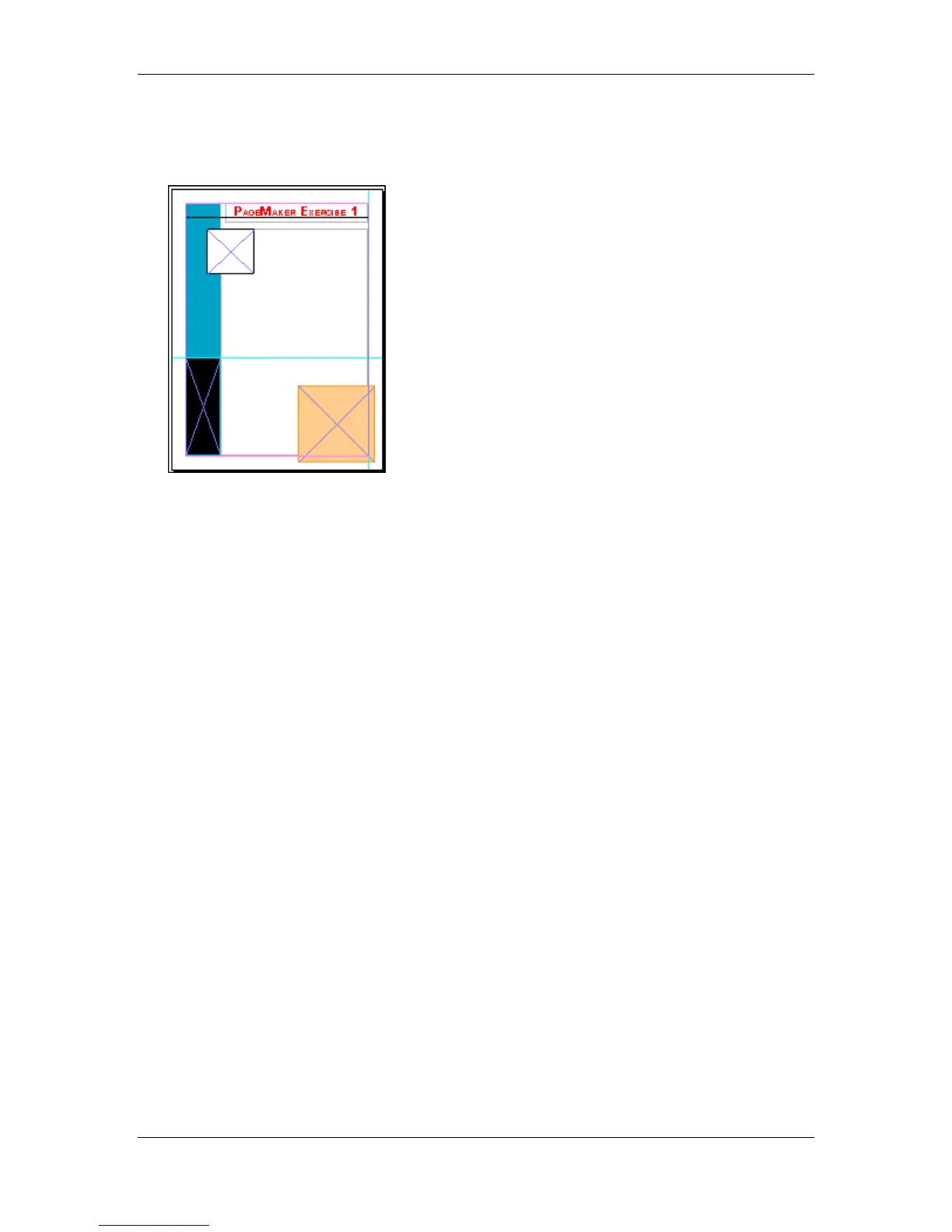
• The text should all be gone:
Note: To get the text back into the text box you can input it, but you don’t have to for this
exercise.



 To Next Page