14 Colors and Fills - EXERCISES
2001 Cheltenham Computer Training PageMaker 6.5 Foundation
FOR USE AT THE LICENSED SITE(S) ONLY
Cheltenham Computer Training 1995-2001 - www.cctglobal.com
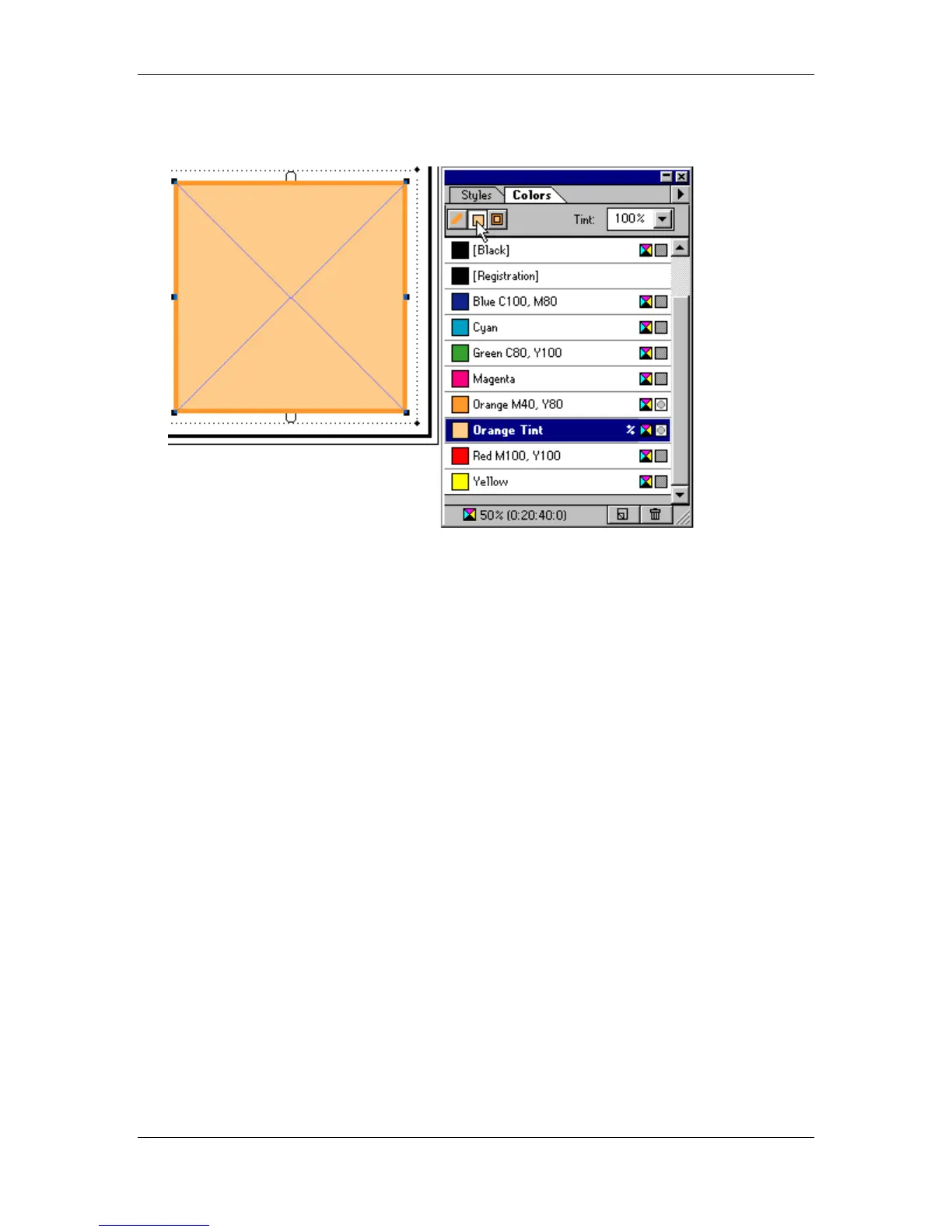
• Select the Orange Tint color from the Colors palette list:
• Unselect the now Orange box by clicking on the blank Pasteboard.
• Double-click the Orange Tint color.
• Rename the color Orange Tint 65.
• Change the Tint to 65.
• Press OK button.
• Save your work.



 To Next Page