Text 67
PageMaker 6.5 Foundation 2001 Cheltenham Computer Training
FOR USE AT THE LICENSED SITE(S) ONLY
Cheltenham Computer Training 1995-2001 - www.cctglobal.com
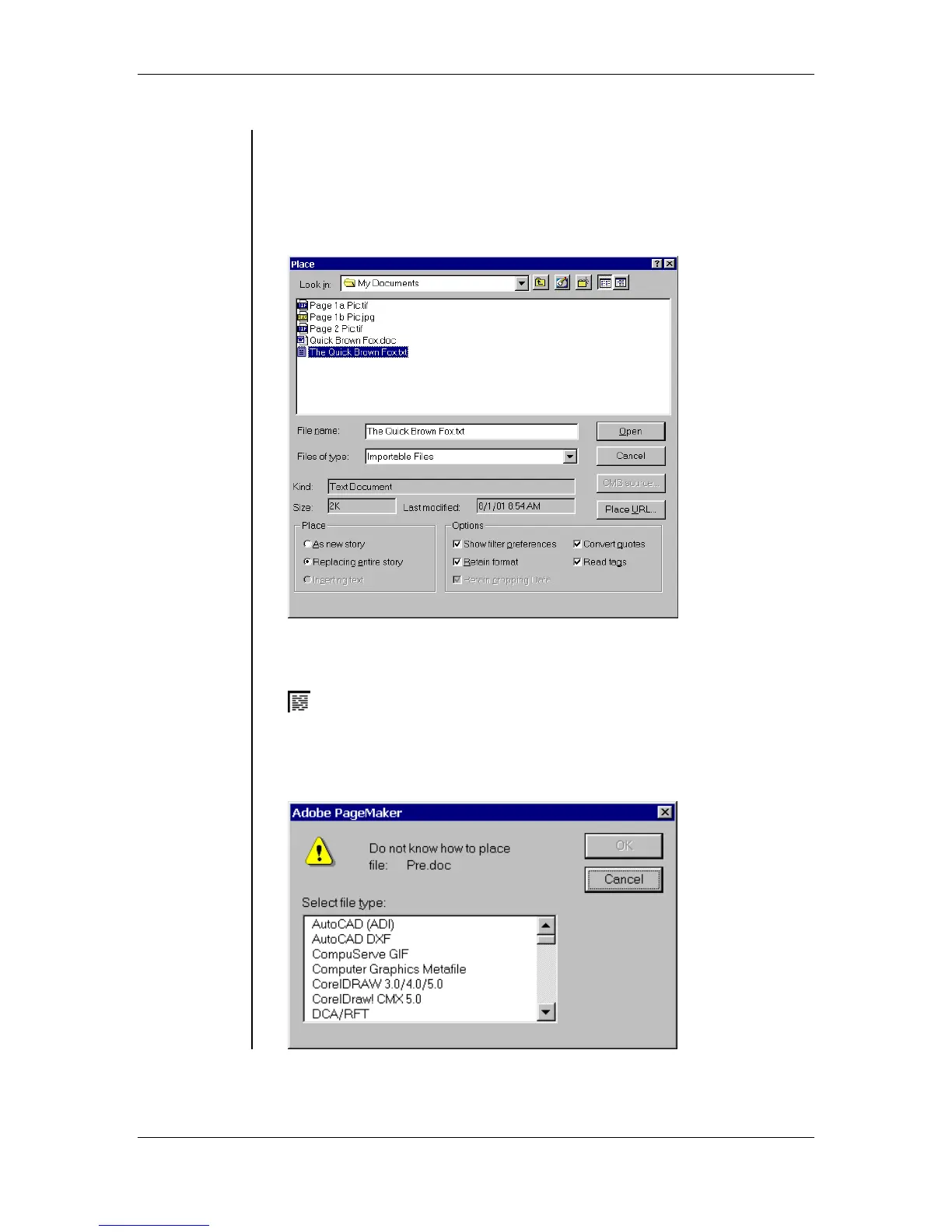
• The Place dialog box allows you to import text (and graphics) from
various sources. PageMaker can import such files as Spreadsheet or
Database documents, Word-Processed documents, another
PageMaker Story files, ASCII text files, Rich Text files and HTML
files. The files you can place depend in part on the import filters you
have installed:
• When you open a text file to be placed into your publication, your
mouse pointer will become a Loaded Text Icon:
Note: If you try to place a file that PageMaker does not have a filter
installed for, you will get a Caution dialog box, which will allow you to
use other installed filters to try and open the file:



 To Next Page