18 Text - EXERCISES
2001 Cheltenham Computer Training PageMaker 6.5 Foundation
FOR USE AT THE LICENSED SITE(S) ONLY
Cheltenham Computer Training 1995-2001 - www.cctglobal.com
• Select the As new story Option.
• Select the Open Button.
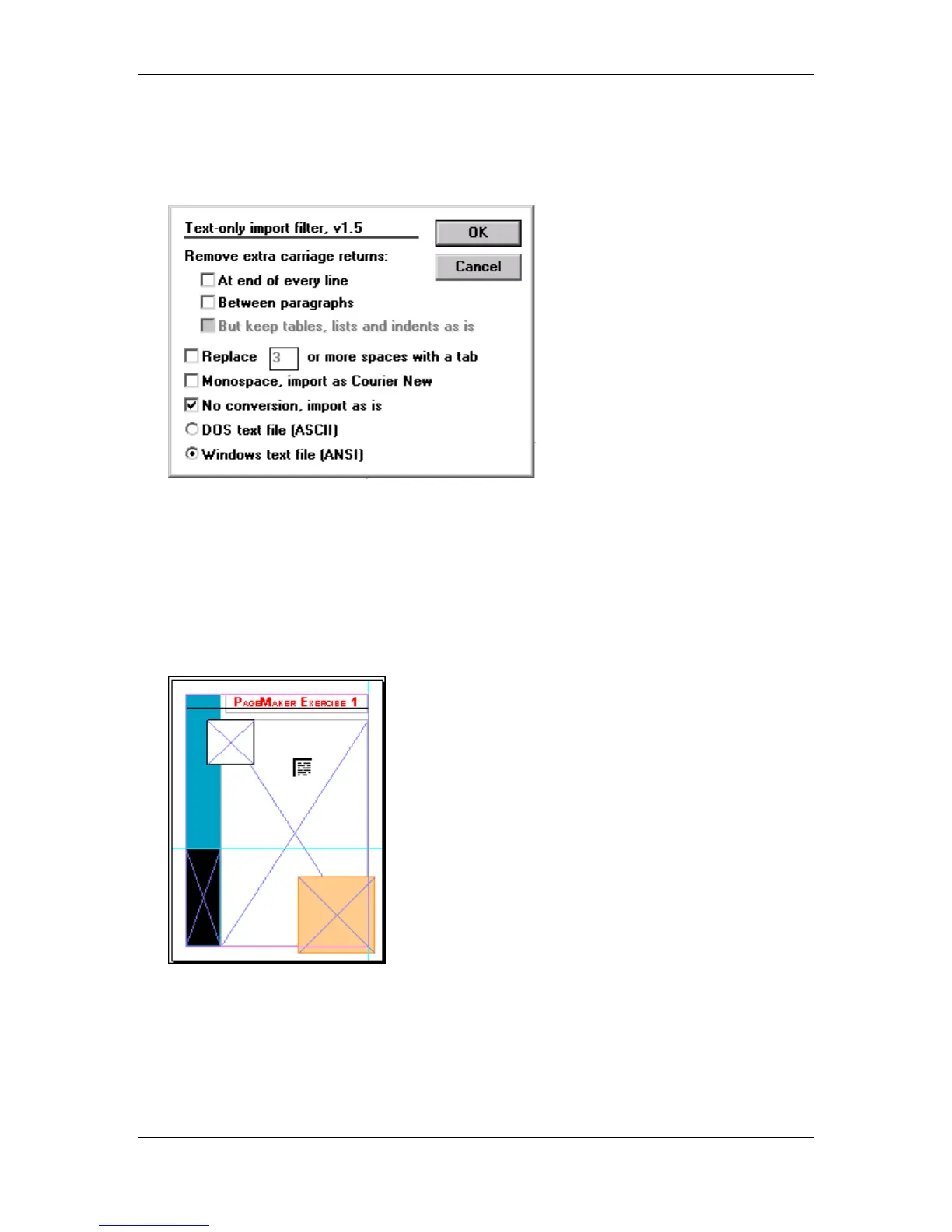
• When The Text-only import filter appears, make the following changes:
At end of every line: Unchecked
Between paragraphs: Unchecked
Replace: Unchecked
Monospace: Unchecked
No conversion: Checked
Dos text file: Unchecked
Windows text file: Checked
• Place the Loaded Text Icon on the Text Frame and click the mouse:



 To Next Page