EXERCISES - Pictures 27
PageMaker 6.5 Foundation 2001 Cheltenham Computer Training
FOR USE AT THE LICENSED SITE(S) ONLY
Cheltenham Computer Training 1995-2001 - www.cctglobal.com
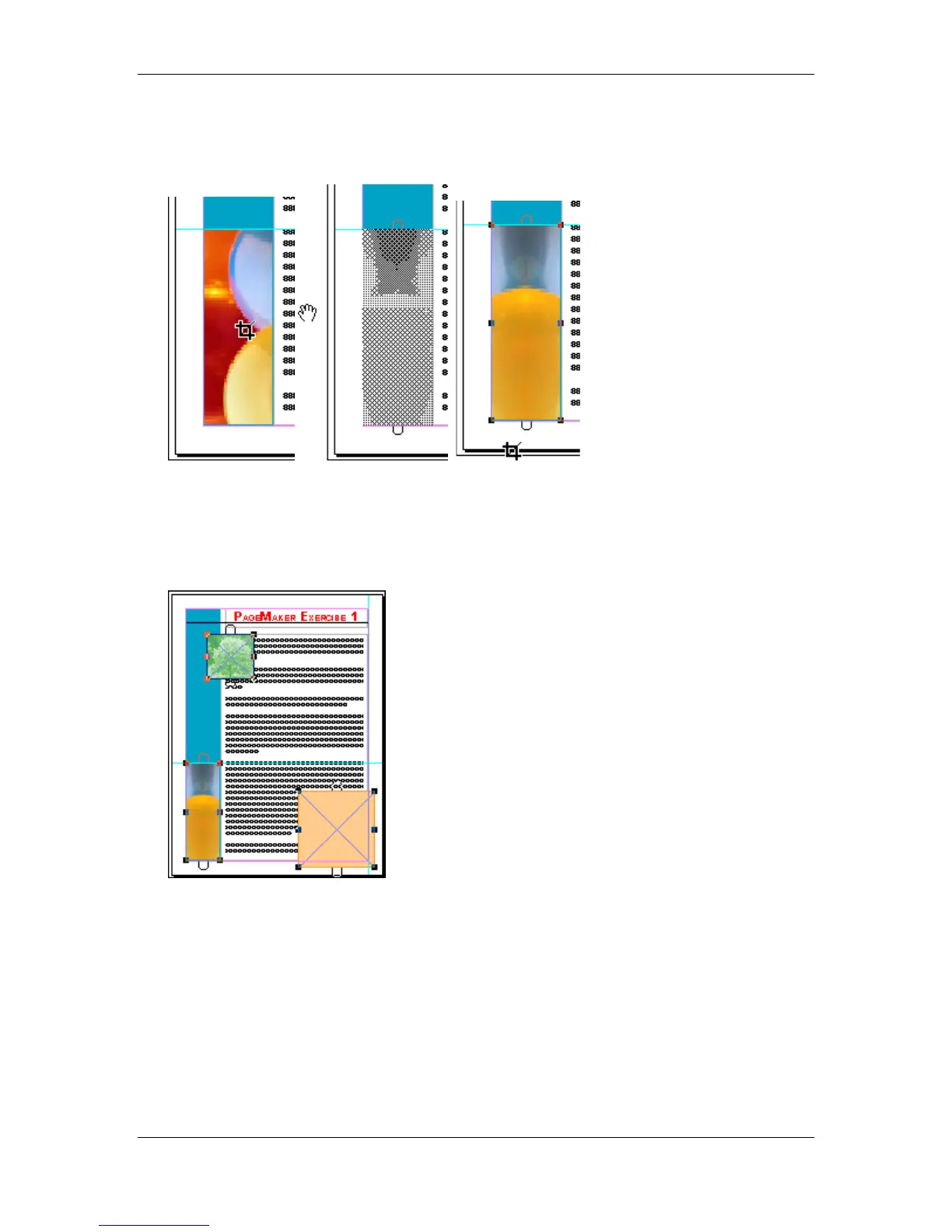
• Place the mouse pointer in the box and move the image within the box until the image is
visually centered horizontally:
• Select the Pointer tool.
• Select the Graphic Frame on the bottom left.
• Hold down the Shift key
• Select the Empty Frame in front of the colorized picture on the top right.
• Select the Orange Frame on the bottom right:



 To Next Page