30 Objects - EXERCISES
2001 Cheltenham Computer Training PageMaker 6.5 Foundation
FOR USE AT THE LICENSED SITE(S) ONLY
Cheltenham Computer Training 1995-2001 - www.cctglobal.com
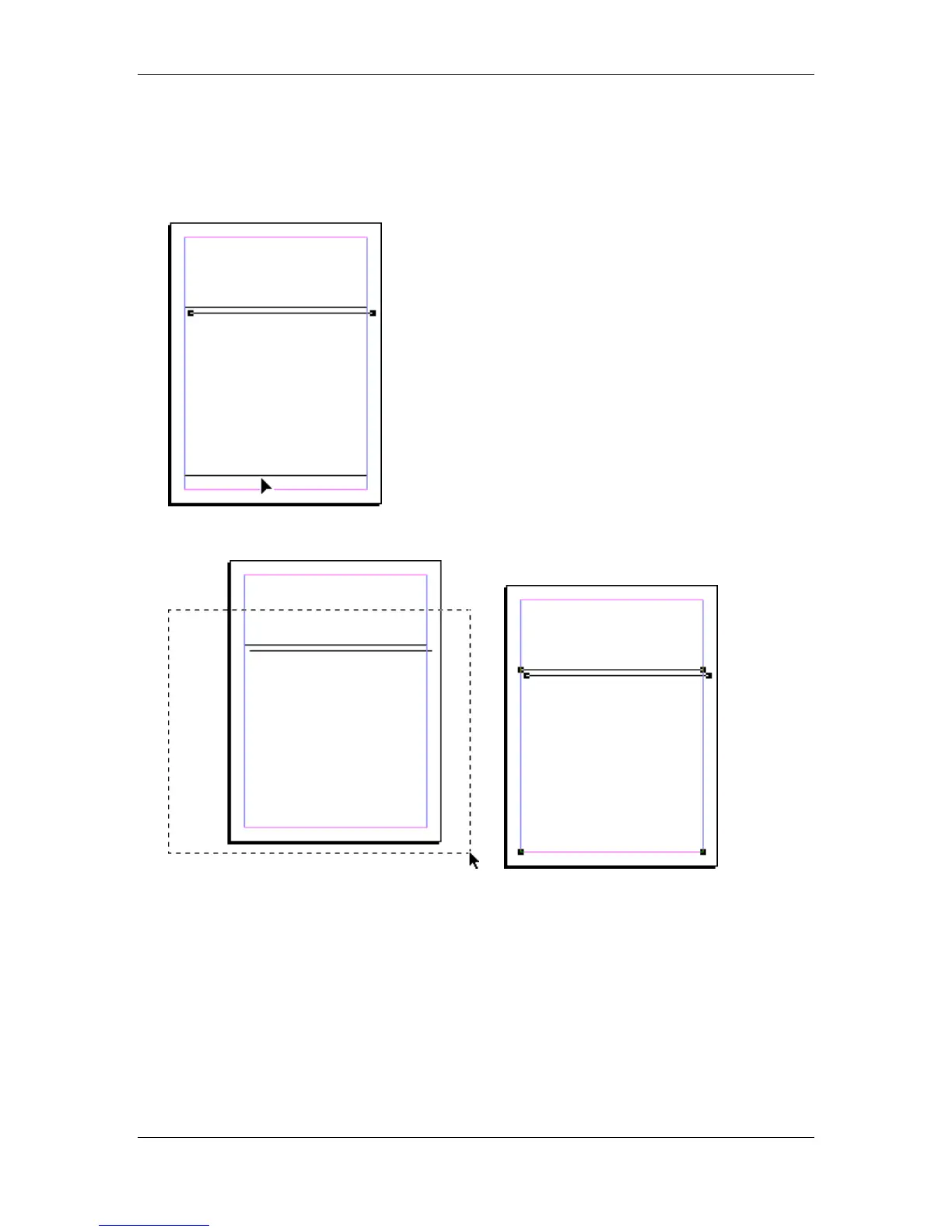
• With the Line still selected, Copy the Line.
• Paste the Line 10 times.
• When you Paste the last pasted line, move the line to the bottom, and place it on the page
margin.
• Select all the lines, using a marquee selection:
• Press the Shift + Ctrl + E key combination to display the Align dialog box.



 To Next Page