Document Page Features 25
PageMaker 6.5 Intermediate 2001 Cheltenham Computer Training
FOR USE AT THE LICENSED SITE(S) ONLY
Cheltenham Computer Training 1995-2001 - www.cctglobal.com
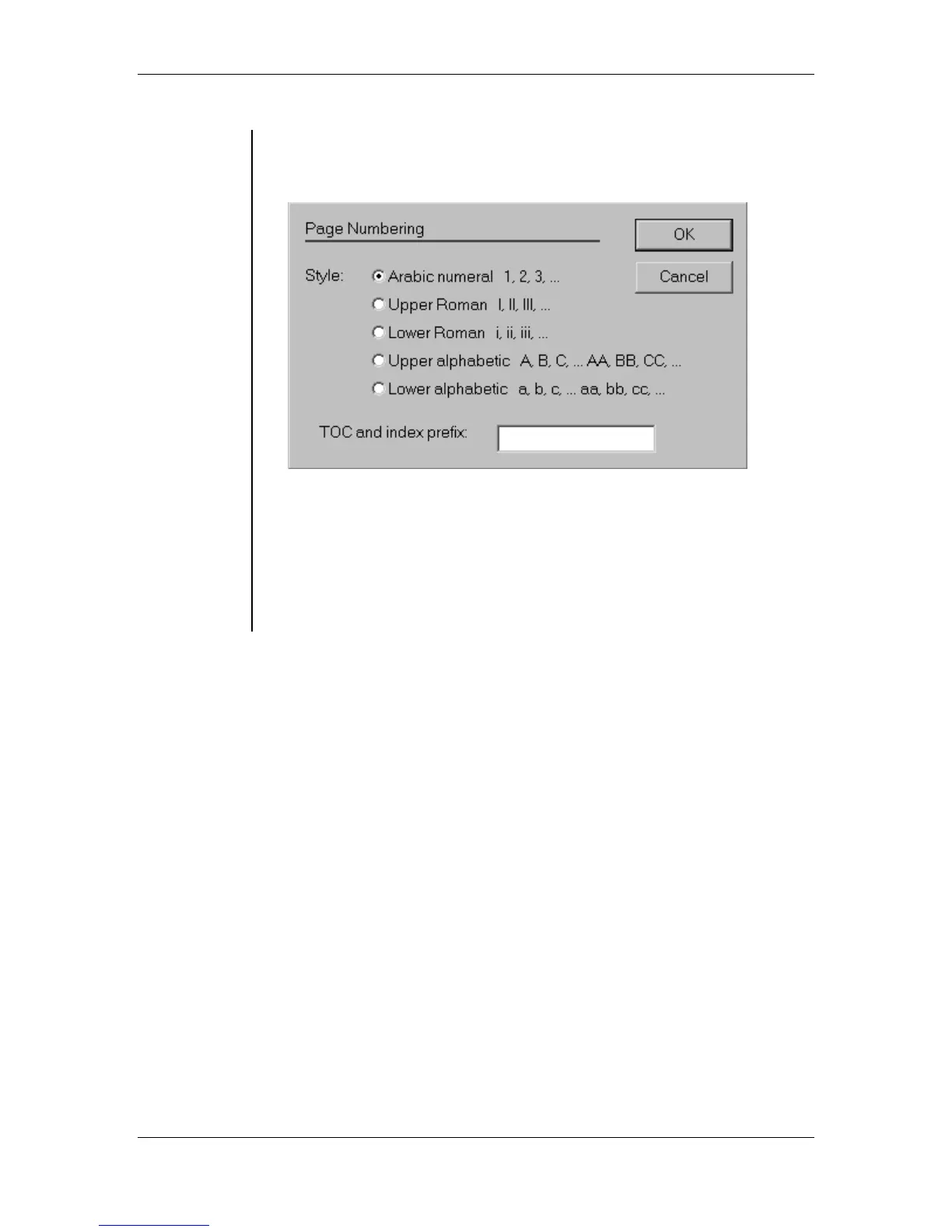
• In the Page Numbering dialog box, select one of the 5 numbering
styles: Arabic Numeral, Upper Roman, Lower Roman, Upper
Alphabetic, and Lower Alphabetic:
• Enter in a TOC and index prefix.
Note: A page-number prefix can be a number or letter, such as 1- or
A-, before the page number. You can use separate prefixes for page
numbers and page references when creating an index or table of
contents for a set of publications.
• Click the OK button.



 To Next Page