Working With Type 49
PageMaker 6.5 Intermediate 2001 Cheltenham Computer Training
FOR USE AT THE LICENSED SITE(S) ONLY
Cheltenham Computer Training 1995-2001 - www.cctglobal.com
Using the
Indents/Tabs
dialog box
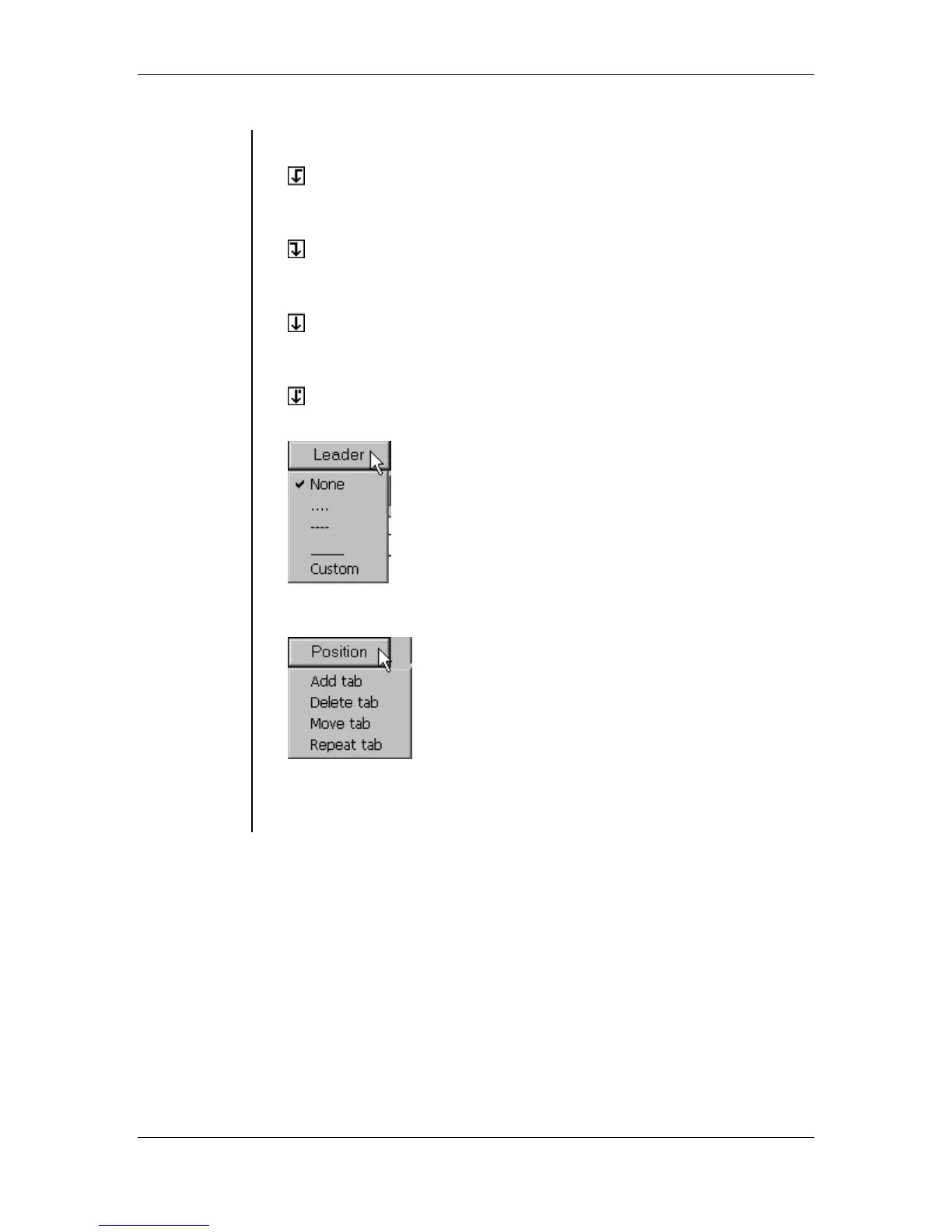
• Left tab - allows you to set tab stops inward from the left margin of the
text box:
• Right tab - allows you to set tab stops inward from the right margin of
the text box:
• Center tab - allows you to set tab stops that center the text to the
center of the tab:
• Decimal tab - allows you to set tabs that line up numbers by their
decimal point:
• Leader Box - allows you to specify a leader style for a tab stop:
• Position Box - allows you to see the indentation or tab amount. Can
also be used to Add, Delete, Move or Repeat a tab.
• Reset - allows you to restore the tabs settings to default.
• Apply - allows you to preview your changes before you click the OK
button to confirm the changes.



 To Next Page