108 Working With Multiple Objects
2001 Cheltenham Computer Training PageMaker 6.5 Intermediate
FOR USE AT THE LICENSED SITE(S) ONLY
Cheltenham Computer Training 1995-2001 - www.cctglobal.com
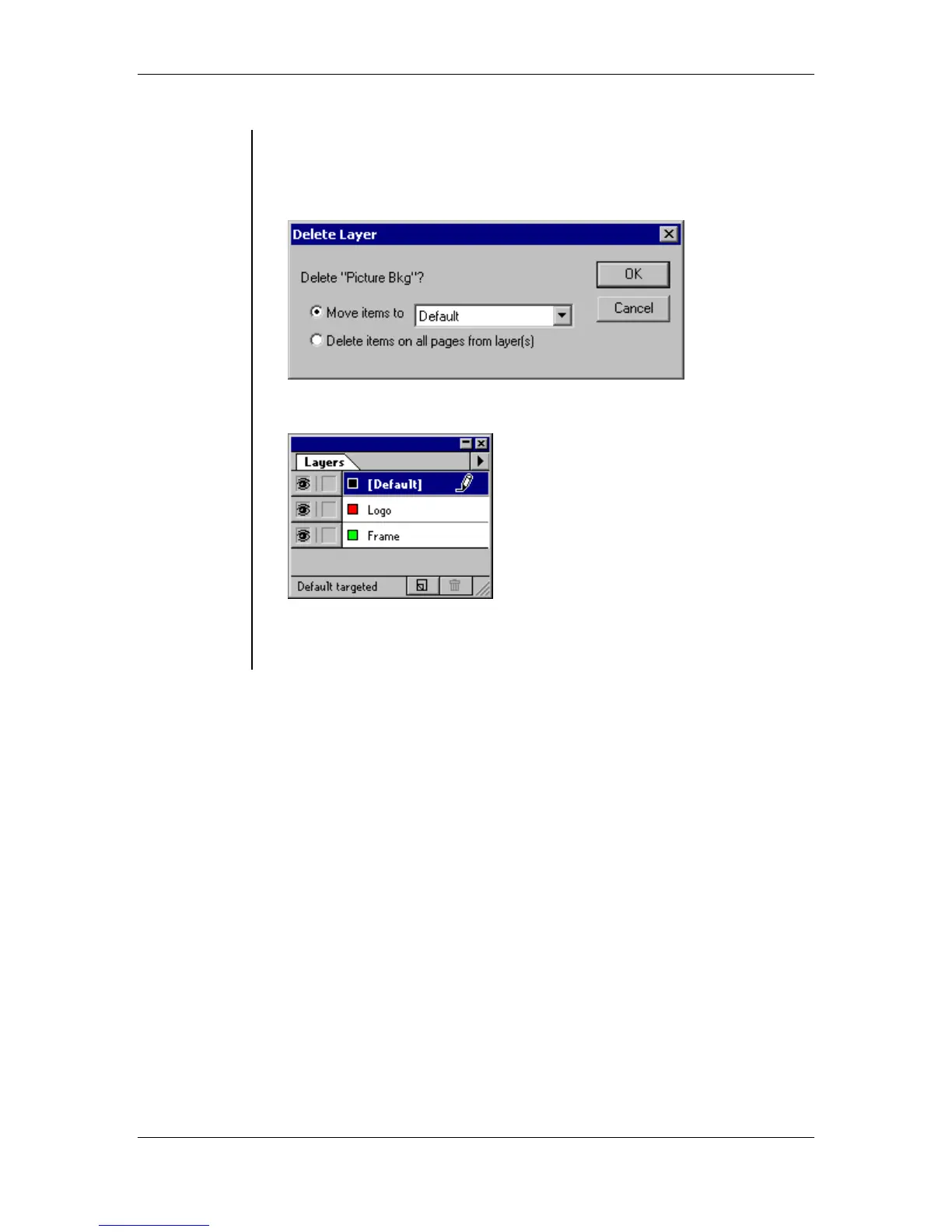
• In the Delete Layer dialog box, select the Move Items to, and choose
the name of the layer to which you want the objects to move to.
OR select Delete Items on All Pages From Layer(s) to remove all
objects throughout the publication assigned to that layer:
• Press the OK button:
Note: To bypass the Delete Layer dialog box and delete the layer and
all its content, hold down Alt key as you complete select the delete
command or click the trash button.



 To Next Page