8 Master Pages - EXERCISES
2001 Cheltenham Computer Training PageMaker 6.5 Intermediate
FOR USE AT THE LICENSED SITE(S) ONLY
Cheltenham Computer Training 1995-2001 - www.cctglobal.com
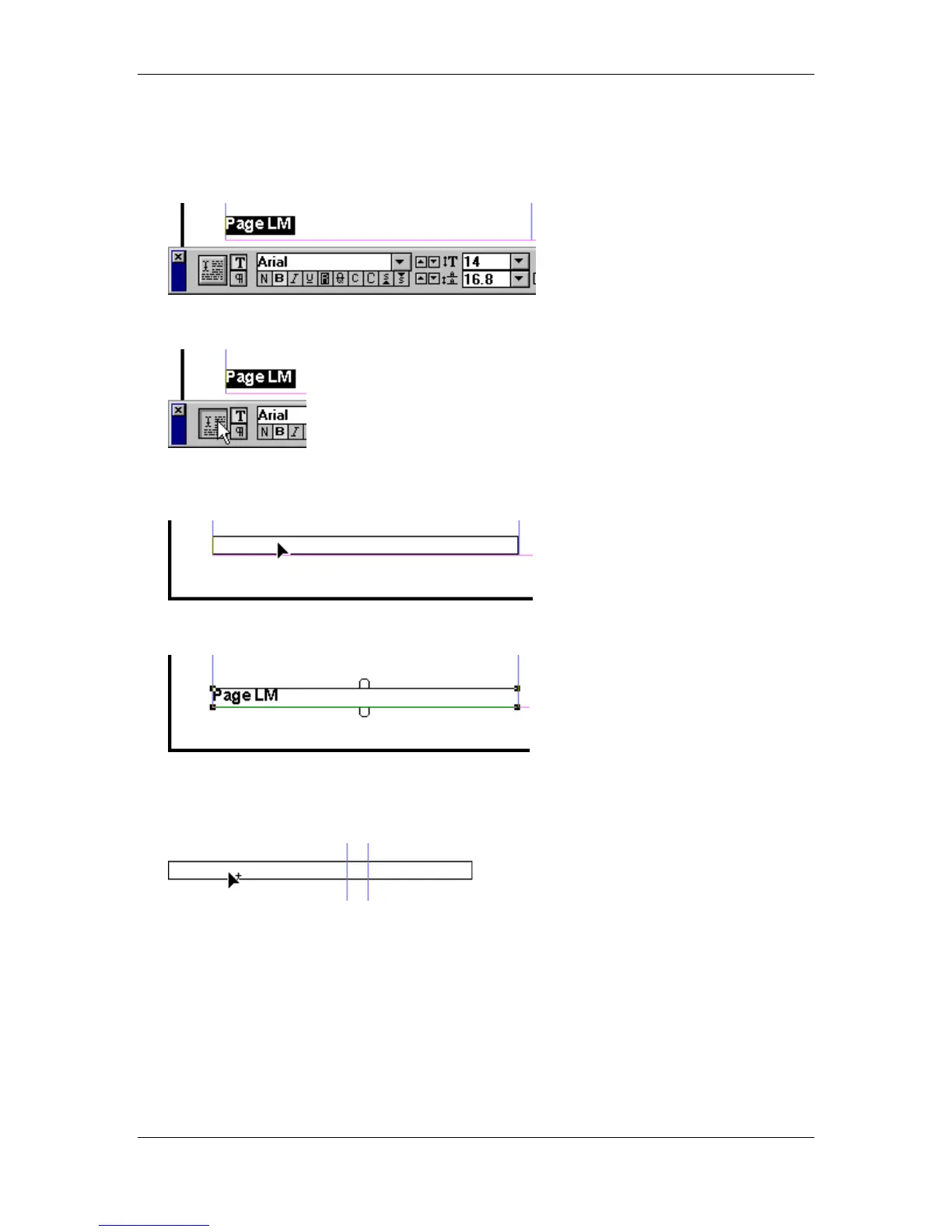
• Press the Ctrl + ‘ key combination to show the Control palette.
• With the Control palette in the Character View, format the entered text with the following
settings:
• Click the Apply button to make sure all the settings are applied:
• Select the Pointer tool.
• Click and drag the Text Block until it snaps to the lower left guides:
• Release the mouse button:
• Click and drag the Text Block to the bottom right corner of the Right Master Page.
• Before you release the mouse button, press the Ctrl + Alt key combination to create a
Duplicate Text Block:



 To Next Page