94 Web Publishing
2002 Cheltenham Computer Training PageMaker 6.5 Advanced
FOR USE AT THE LICENSED SITE(S) ONLY
Cheltenham Computer Training 1995-2002 - www.cctglobal.com
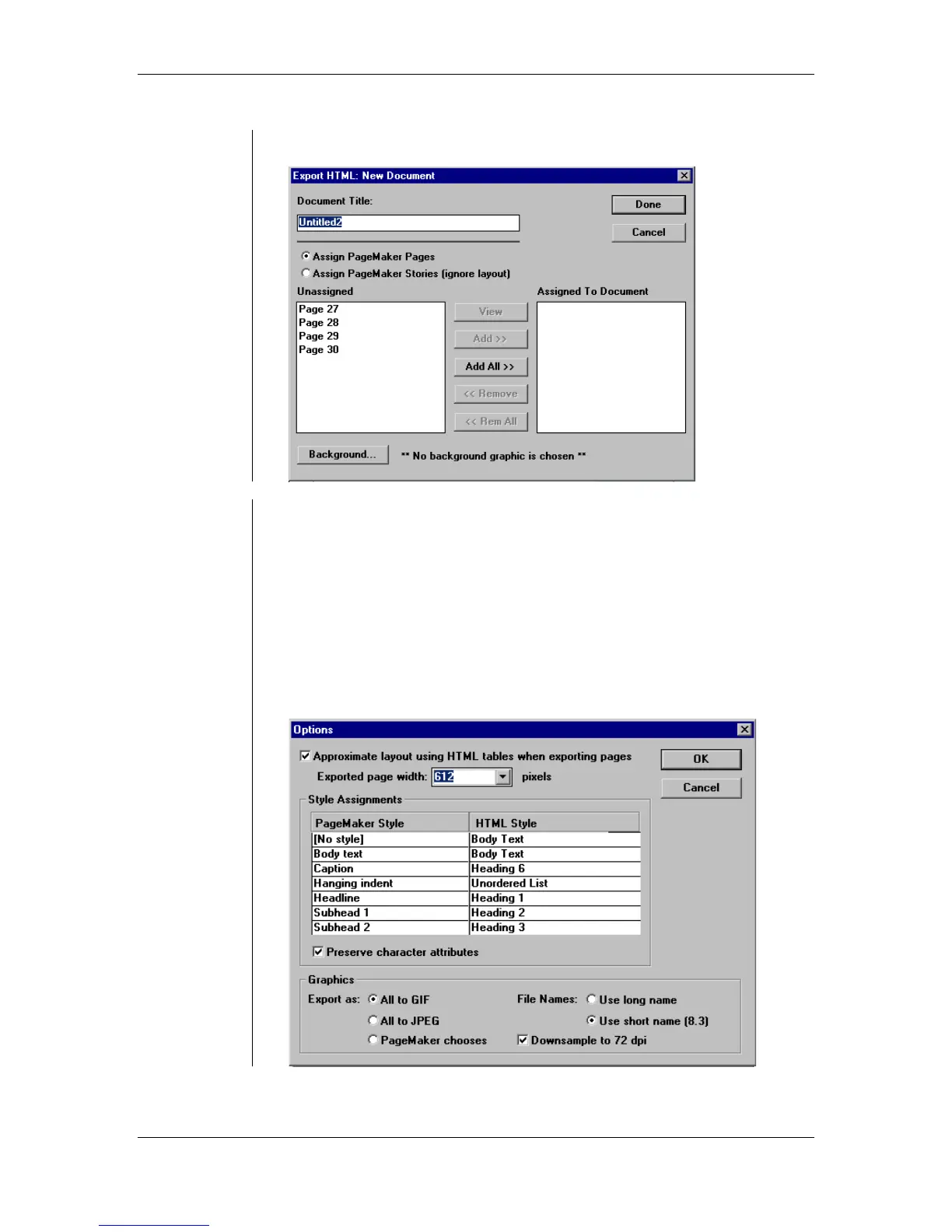
• The New HTML Document dialog box:
Converting
publications
to HTML
To create an HTML file from a PageMaker publication:
• Open the publication you want to convert to an HTML file
OR
create a publication to be exported.
• From the main menu, choose File > Export > HTML.
• From the Export HTML dialog box, click the Document button to set
the desired Document location and File Name.
• Click the Graphic button to set the desired location for the converted
graphic files.
• Click the Options button:



 To Next Page