Tools 45
PageMaker 6.5 Foundation 2001 Cheltenham Computer Training
FOR USE AT THE LICENSED SITE(S) ONLY
Cheltenham Computer Training 1995-2001 - www.cctglobal.com
Using the
Frame
Options
dialog box
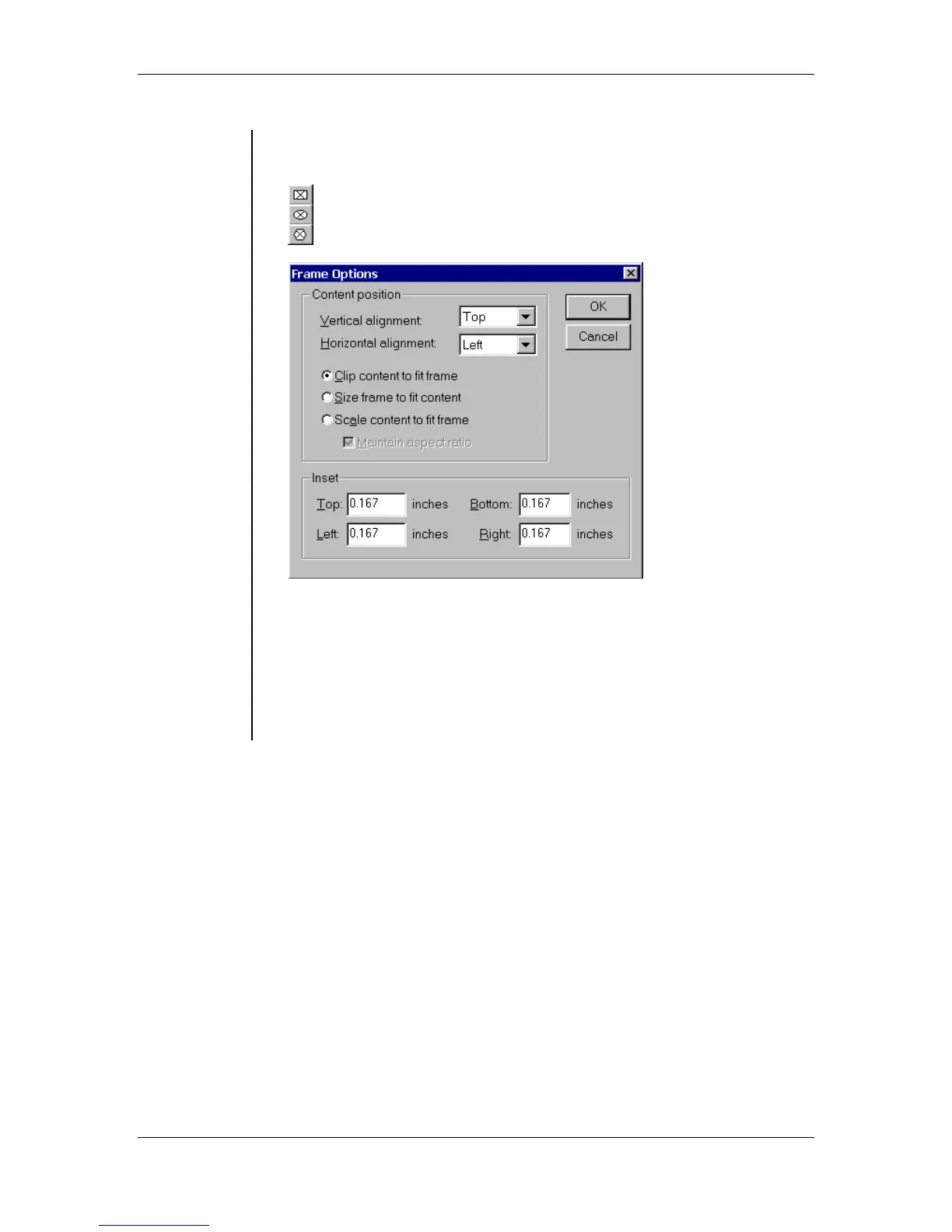
• Double-clicking the Frame tools will display the Frame Options dialog
box:
• The Frame Options dialog box allows you to specify alignment and
offset for text or graphics within a frame. This is unavailable if a frame
is not selected.
Note: If you don't want a border around the frame, select the frame,
and choose Element > Stroke > None. A non-printing, light-gray
border appears around the frame. If you want to hide the non-printing
border, choose View > Hide Guides.



 To Next Page