Analog Duplex System
Subject to Export Control, see Cover Page for details.
8-38
[Spectrum] Soft Key
Displays Spectrum Analyzer plot of data as it is acquired (refer to Fig. 8-30). This soft key is
only available while data is being logged.
Fig. 8-30 [View Live Data] Soft Key Sub-menu
[Default] Soft Key
Displays Main Sensitivity Search Tile (refer to Fig. 8-28).
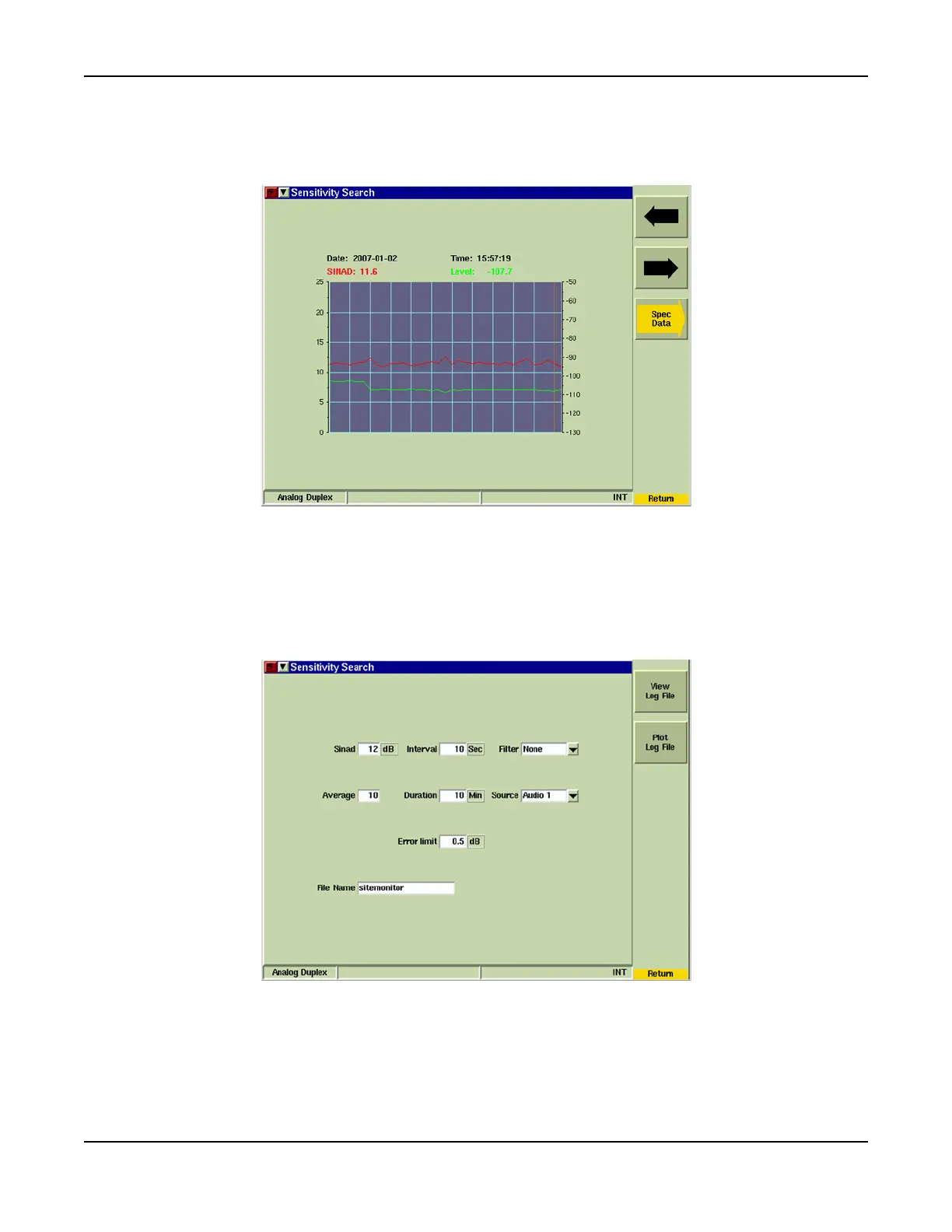
[View Post Data] Soft Key
Opens soft key sub-menu that allows user to review saved Data Log Files. This soft key is only
available after data acquisition has stopped.
Fig. 8-31 Sensitivity Search - View/Post Data Tile













 To Next Page