Quick Start Guide
Download WinScriptLive (www.alcorn.com/support/software) and get online with controller examples
1. Open Example Script
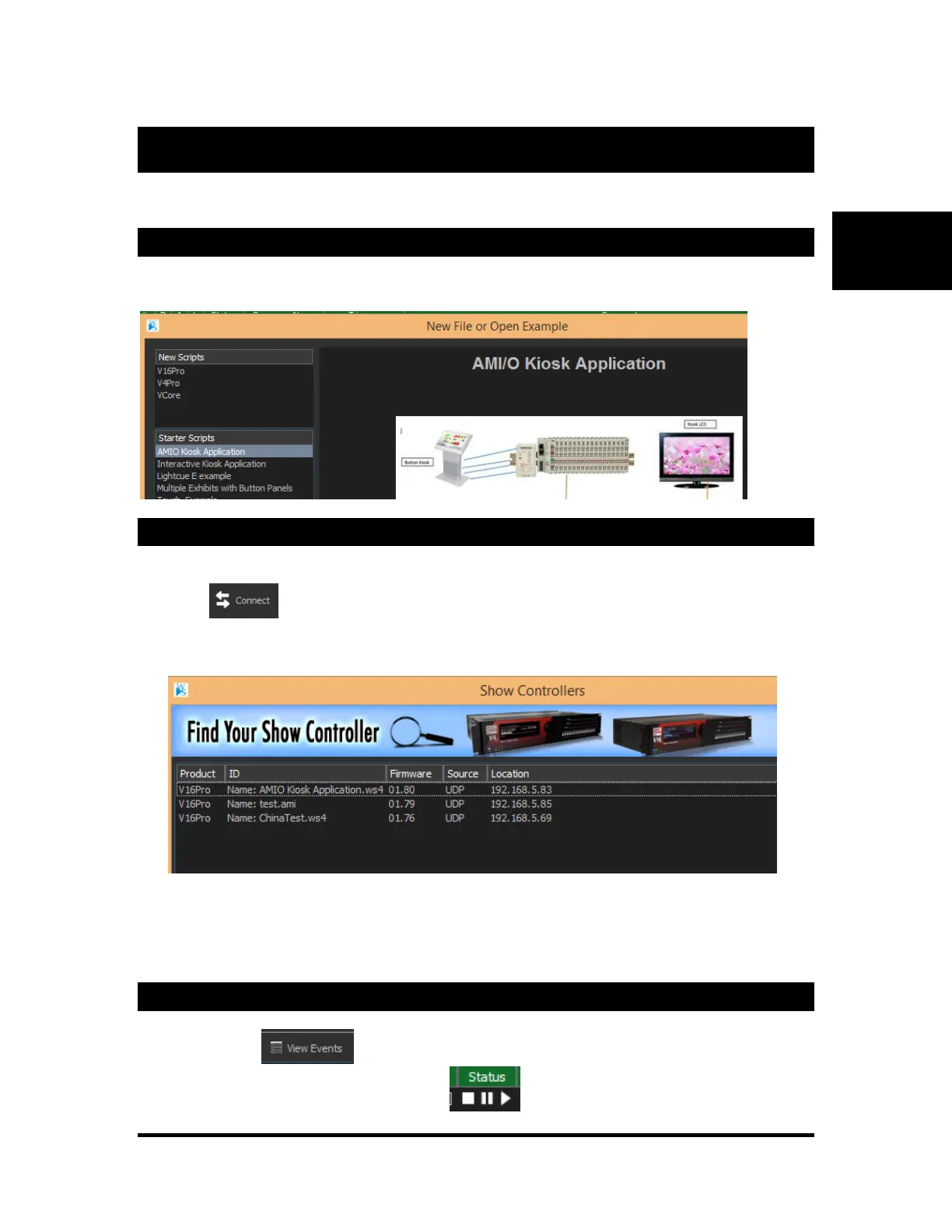
Open WinScriptLive and click on "New" and select one of the "Starter Scripts" of interest. Click "Open".
2. Connect
• Connect an ethernet cable from your controller to network or PC.
• Click to start connection. (Save Script when prompted)
• Find and click on your show controller in the "Find Your Show Controller" window.*
• When prompted, "Send the Script" to the controller and wait for a restart
* For VCore, if your controller is unable to be reached, you can assign an IP address here or switch DIP
switch 1 to "ON" to use DHCP (Automatic IP assignment). For more, see the "Setting VCore IP Address."
3. Watch and Run!
Click View Events view or edit contents of each sequence.
Click the status buttons to start or stop sequences



 To Next Page