EasyManua.ls Logo

Alcorn Mcbride V16Pro - End If; Else

Alcorn Mcbride V16Pro
179 pages
Print Icon
To Next Page IconTo Next Page
To Previous Page IconTo Previous Page
Loading...
WinScript Live Command Reference Page 77
WinScript
Reference
00:00.00
End If
The Play event is executed if ShowVar
5.
Example #2
Time
Event
Data1
Data2
00:00.00
Add
ShowVar
1
00:00.00
If <=
ShowVar
100
00:00.00
Set Variable =
ShowVar
0
00:00.00
End If
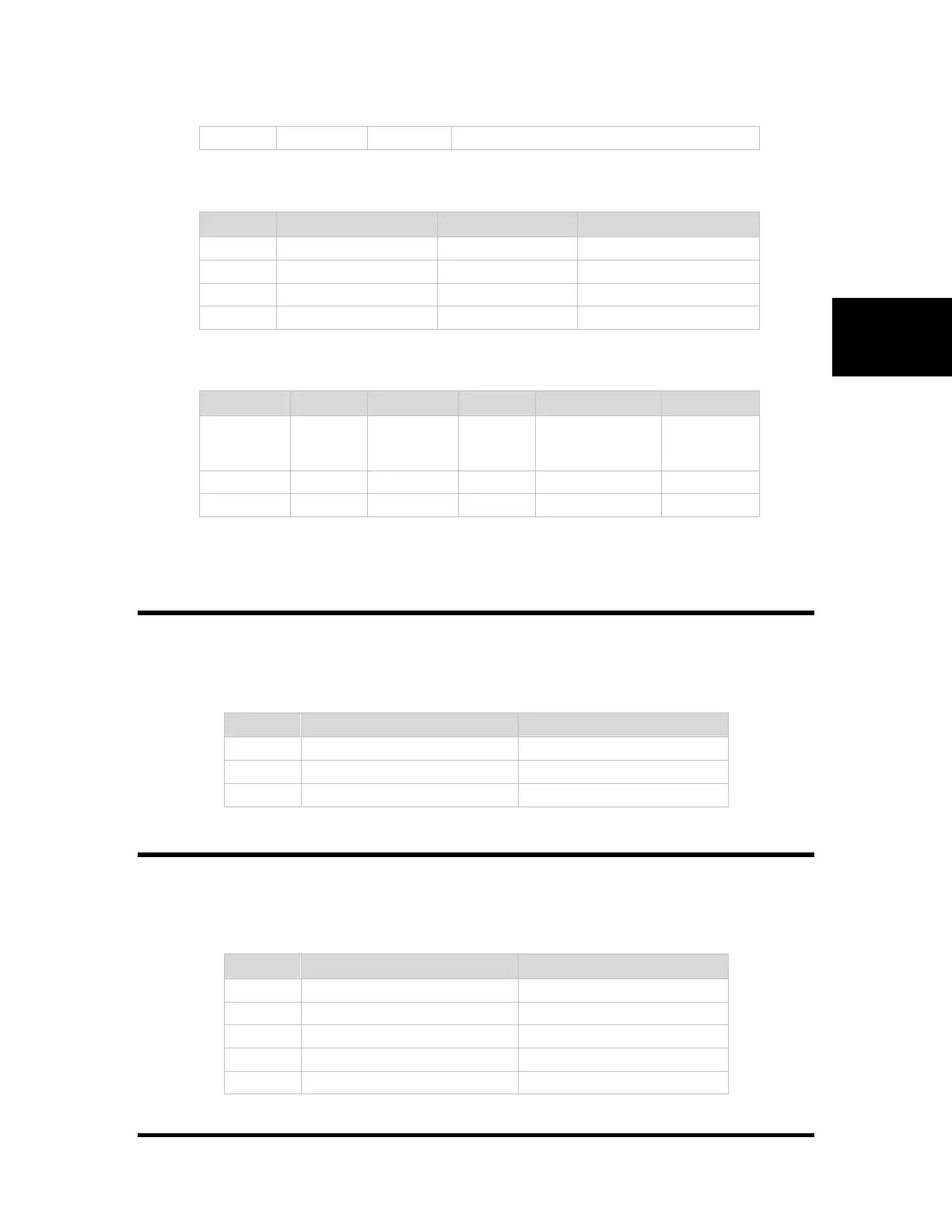
This sequence adds one to ShowVar and then sets it back to 0 if it greater than 100.
Event Syntax using "Label"
Label
Time
Event
Data1
Data2
Data3
00:00.00
Event
Name
Variable
Constant value (0-
255) <or> another
Variable
Event Label
00:00.00
Skipped
Events
Event Label
00:00.00
SomeEvent
End If
Used to mark the End of any of the conditional "If" commands listed on the previous pages. This
is only required when not using Labels.
Event Syntax Using "End If"
Time
Event
Data1
00:00.00
Conditional Event Name
Conditional Variable or Input
00:00.00
Executed if condition is true
Events
00:00.00
End If
Else
Used to mark the False case of any of the conditional "If" commands listed on the previous pages.
This can only be used when not using Labels.
Event Syntax
Time
Event
Data1
00:00.00
Conditional Event Name
Conditional Variable or Input
00:00.00
Executed if condition is true
Events
00:00.00
Else
00:00.00
Executed if condition is false
Events
00:00.00
End If

Table of Contents