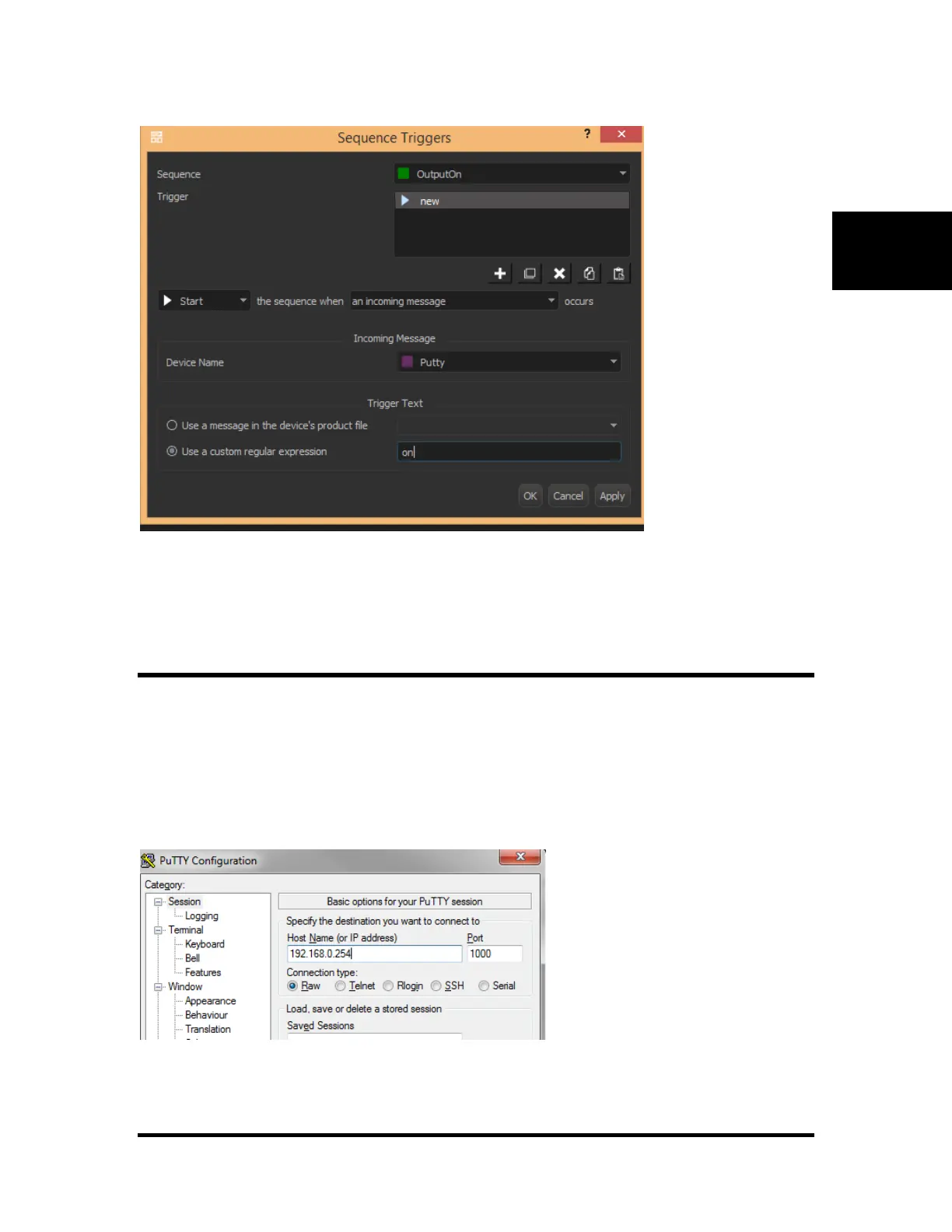
4. Repeat steps 1-8 for the "OutputOff" sequence. Use the text "off" for step 7.
5. Send the script to the V16Pro.
3: Control with Putty or TCP Client
Any TCP client can now sent the "triggers" strings that were setup in the above example.
Launch Putty.exe or other TCP Client and connect to the V16/V4Pro's IP Address using the port specified
in the Device Setup. In our example, we used 1000.
Type "on" or "off" into the terminal window and press enter.



 To Next Page