WinScript Live Command Reference Page 84
External Communication Events
Built-In Events send a custom message to a specific Ethernet or serial device.
Create a custom string to send
Send a message to the “Live Log”
Message Out
Sends a custom serial message out one of the serial ports. The message is sent in the protocol
defined for that port, but the Show Controller will not wait for an ACK or other response unless a
TCP connection is required.
Name of String Variable or Literal Message
Sends (where h represents hex character):
Hello h0D
If DataMsg is:
"Hello\r"
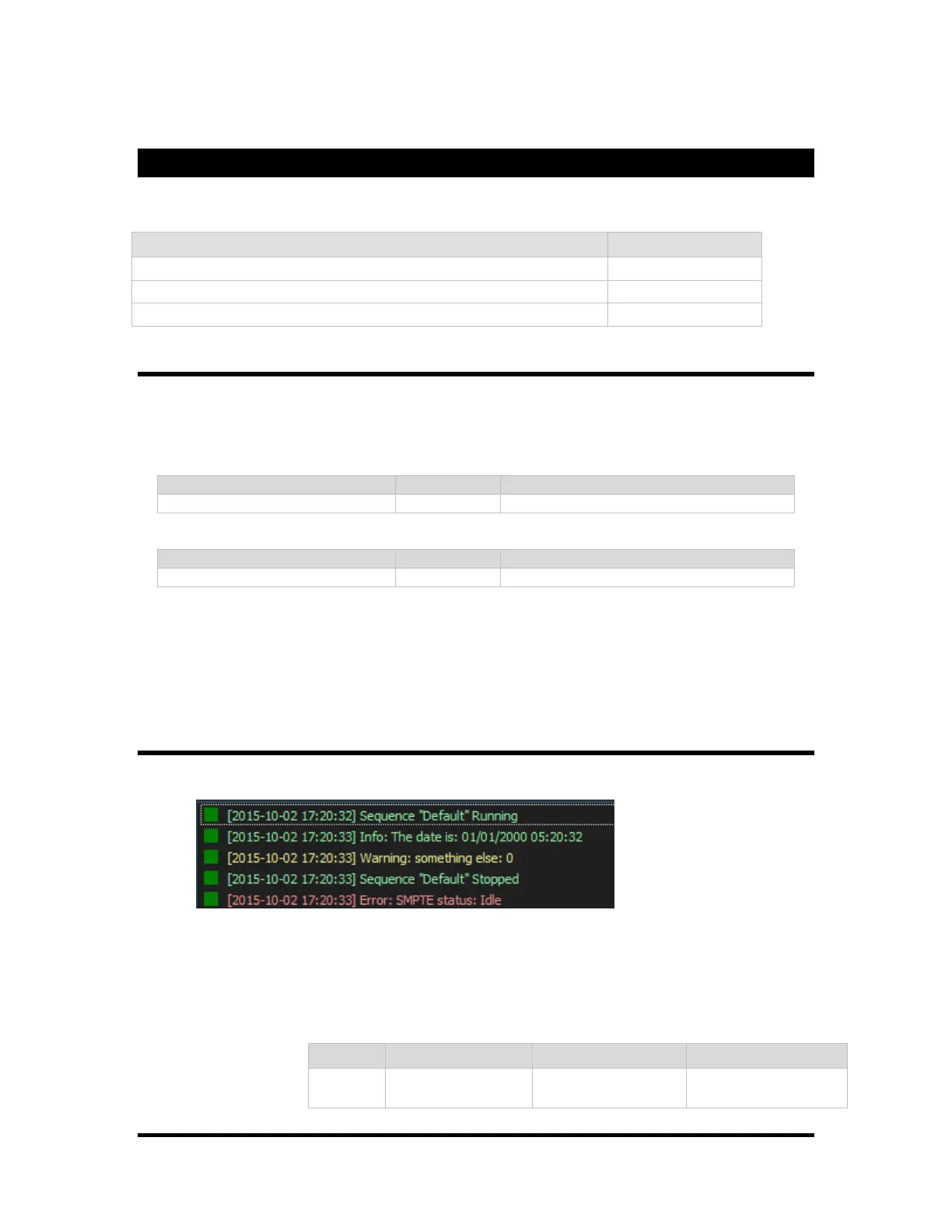
Log Message
Send a message to appear in the “Live Log” in WinScriptLive.
A log message has a priority of “Information”, “Warning” or “Error”.
Optionally, variables may be used as part of the string the string. This is similar to the sprintf
function found in C.
Format String: "hello
%s %d"



 To Next Page