WEB Server Quick Start Page 140
Step 2: Configuration
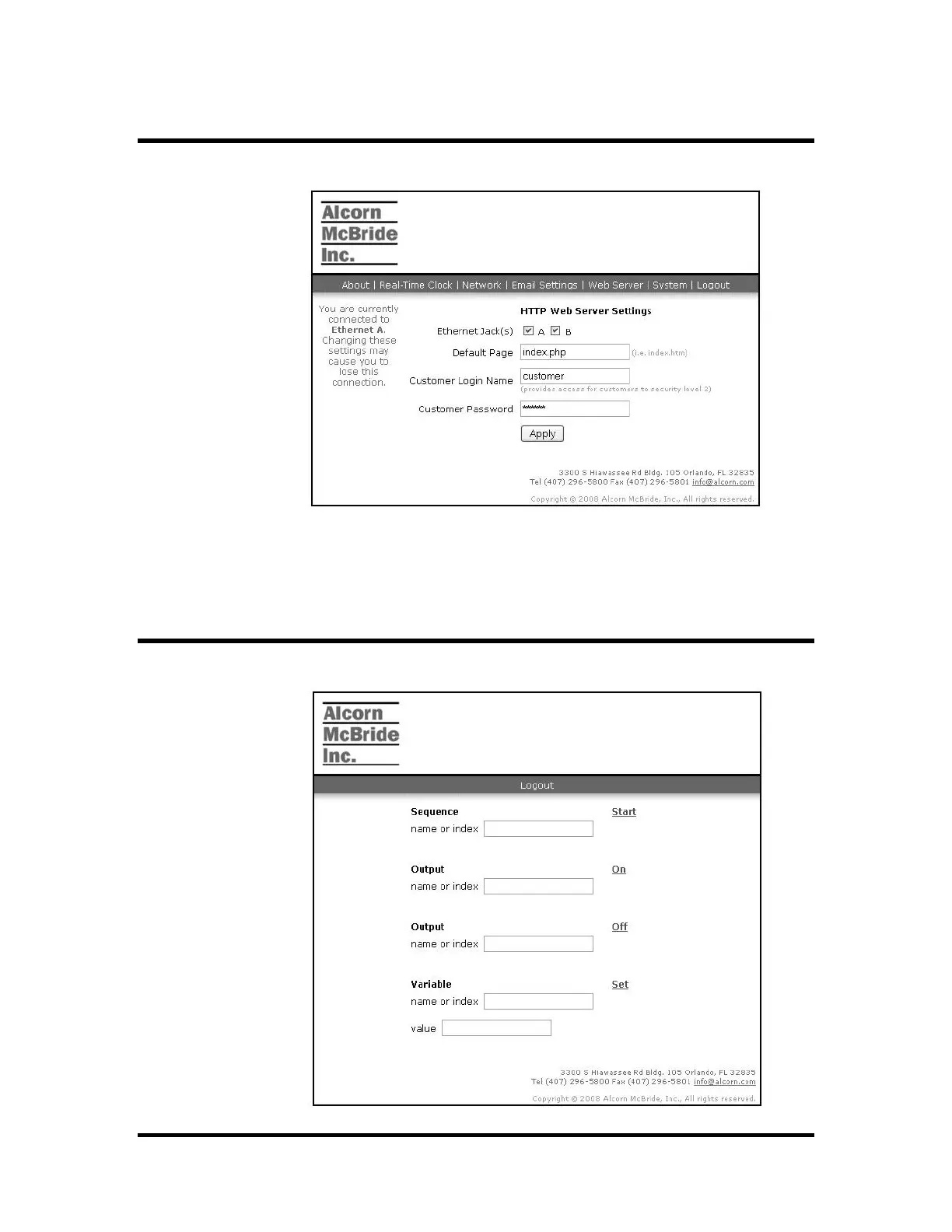
Select the "Web Server" link to display web server settings. The following
screen shot shows this page.
Set the customer login name to "customer" or another name of your choice. Set
the customer password. Leave the other settings as they are and click "Apply".
These changes will occur immediately and there is no restart required.
Select the "Logout" link to return to the login page.
Step 3: Customer Web Page
Enter the customer user name and password and click "Login". The customer
home page will load as shown below.



 To Next Page