WinScript Live Resources Page 22
Inputs
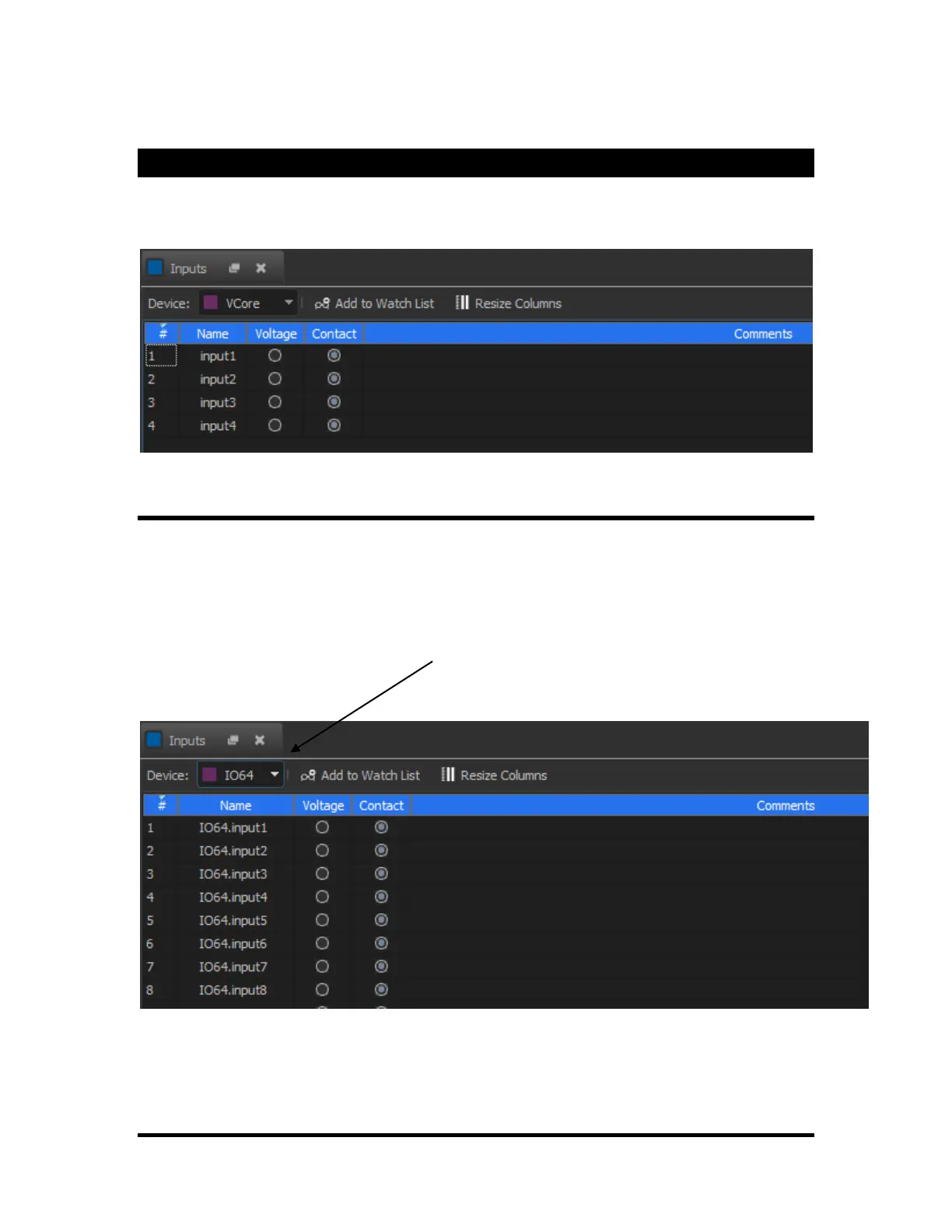
Rear inputs can be configured in WinScript Live as either Voltage or Contact Closure. They can also have
their names changed to more easily reference them within the script.
IO64 Slave Inputs
The Alcorn McBride IO64 can be setup as a "Slave IO" protocol. In this mode, inputs from the IO64 are
placed directly into the "Inputs" window. Once in this window, these inputs can be referenced just like
other internal show controller inputs. The only difference is a 1-frame delay from the time the input status
is received at the IO64 to the time it is updated in the show controller.
To view a specific device's input, select the device from the drop down list at the top of the "inputs"
window. (See below)
If this list does not appear, make sure that "Slave IO" is listed as the "protocol" for the device in the
"Devices" screen. If it is not, edit the device and select "Slave IO" as the protocol.



 To Next Page