WinScript Live "Live Mode" Page 52
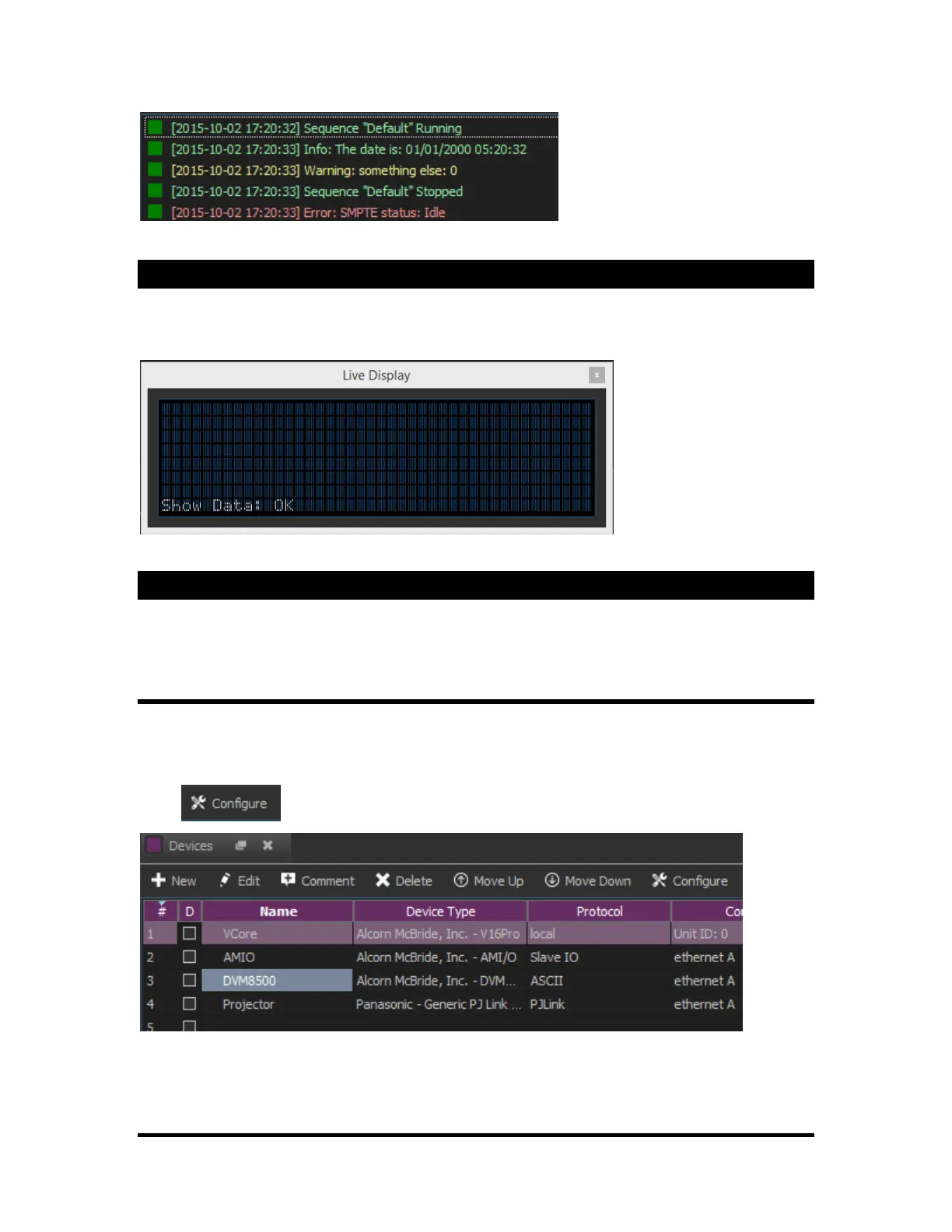
Messages using "Log Message" event
Live Display
The live display shows represents the front panel display of the show controller. This is only available
when in Ethernet Live Mode. Connections for USB or serial will display a blank screen.
Live Config
The “Live Config” option is used to ping external devices through the show controller itself, and can also
be used to set IP Addresses of an AMI/O product.
Pinging Devices
In this section, we will go over how to ping an A/V Binloop HD through the “Live Config” menu. This is
useful in troubleshooting the connection between the show controller and its devices.
Click from the “Devices” screen.
Follow the subsequent prompts to successfully connect in Live Mode if you weren’t already.



 To Next Page