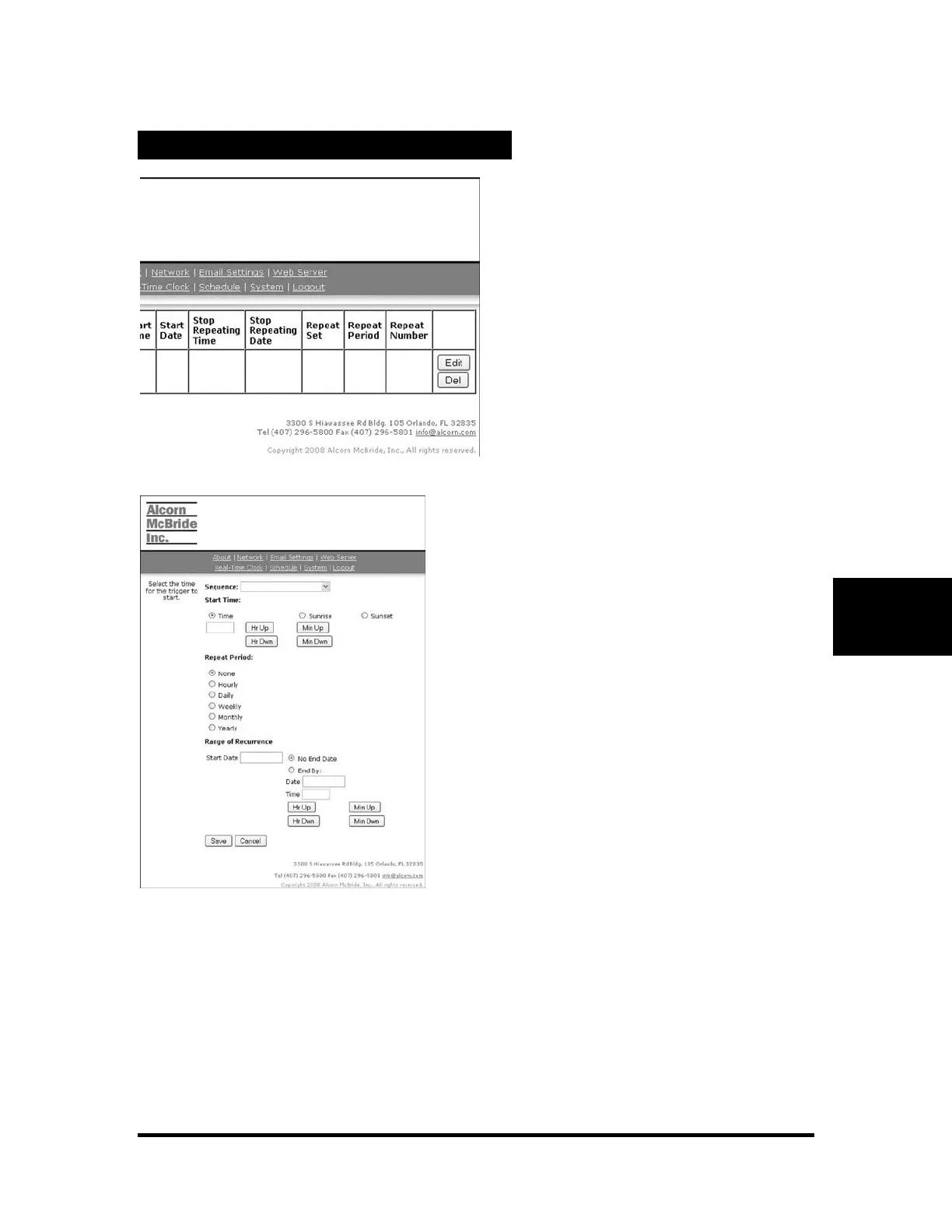
The entry is empty when it is first
created. Enter the following information
to complete entry:
Sequence: The name of the sequence to
start
Start time: The time from 00:00 to 23:59
to start the selected sequence
Repeat Period: Select whether the entry
should repeat, and how often
Start Date: The date to start the selected
sequence. If this entry is set to repeat,
this is the day it will begin on.



 To Next Page