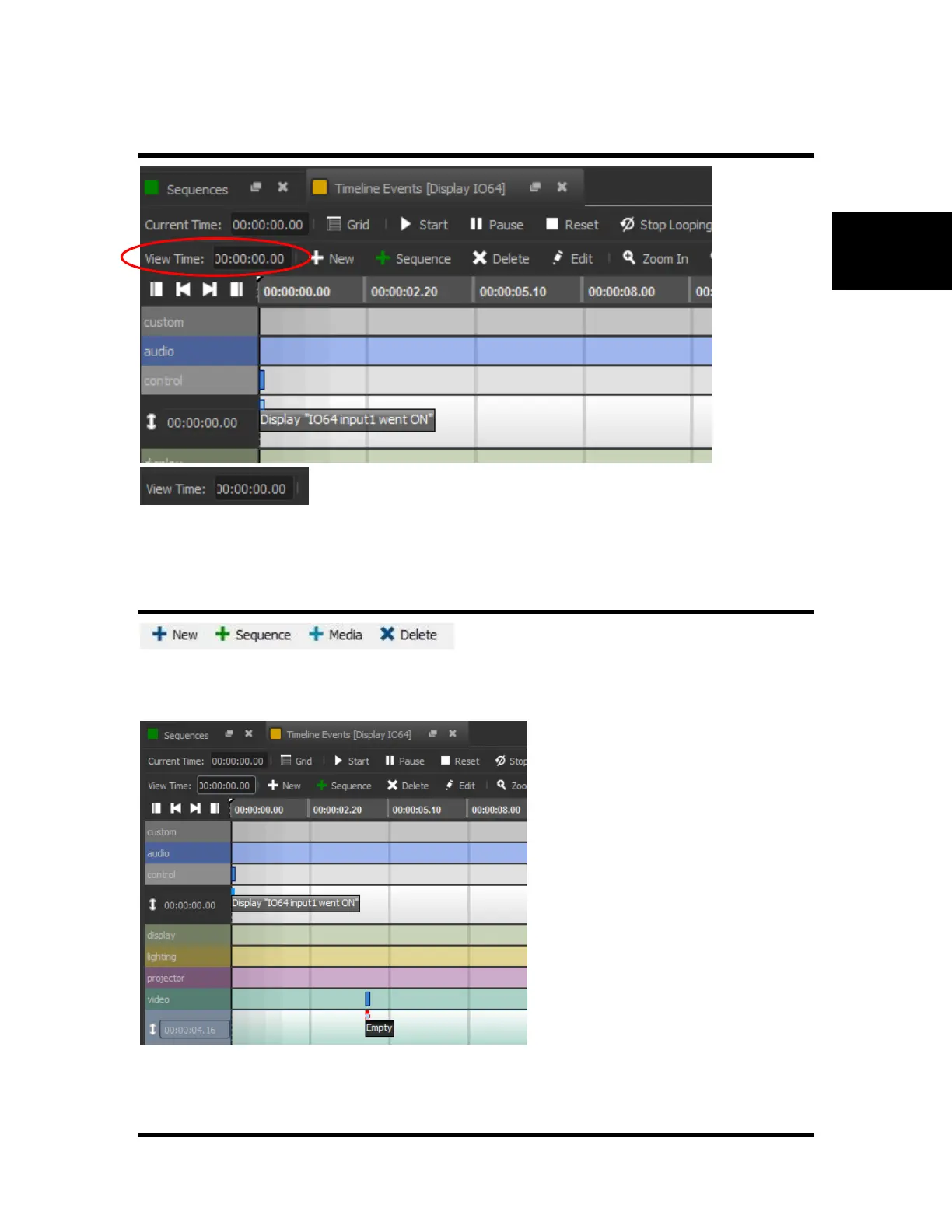
View Time
This field represents the current time that is viewed on the Timeline (hours : minutes : seconds : frames).
You can edit the field to view any specific time on the Timeline. In addition, you can change the time
viewed by using the scroll bar located at the bottom of the window.
New Event, New Sequence, New Media, Delete
New: This button creates a new event. The event is by default named “Empty” (no operation) and it is
placed on the group (row) that was last selected at the time that was last clicked.
New Sequence: This button creates a new sequence. The program allows you to name the sequence as
soon as the button is clicked. Also, an event to execute this sequence is created automatically within the



 To Next Page