Timeline Page 36
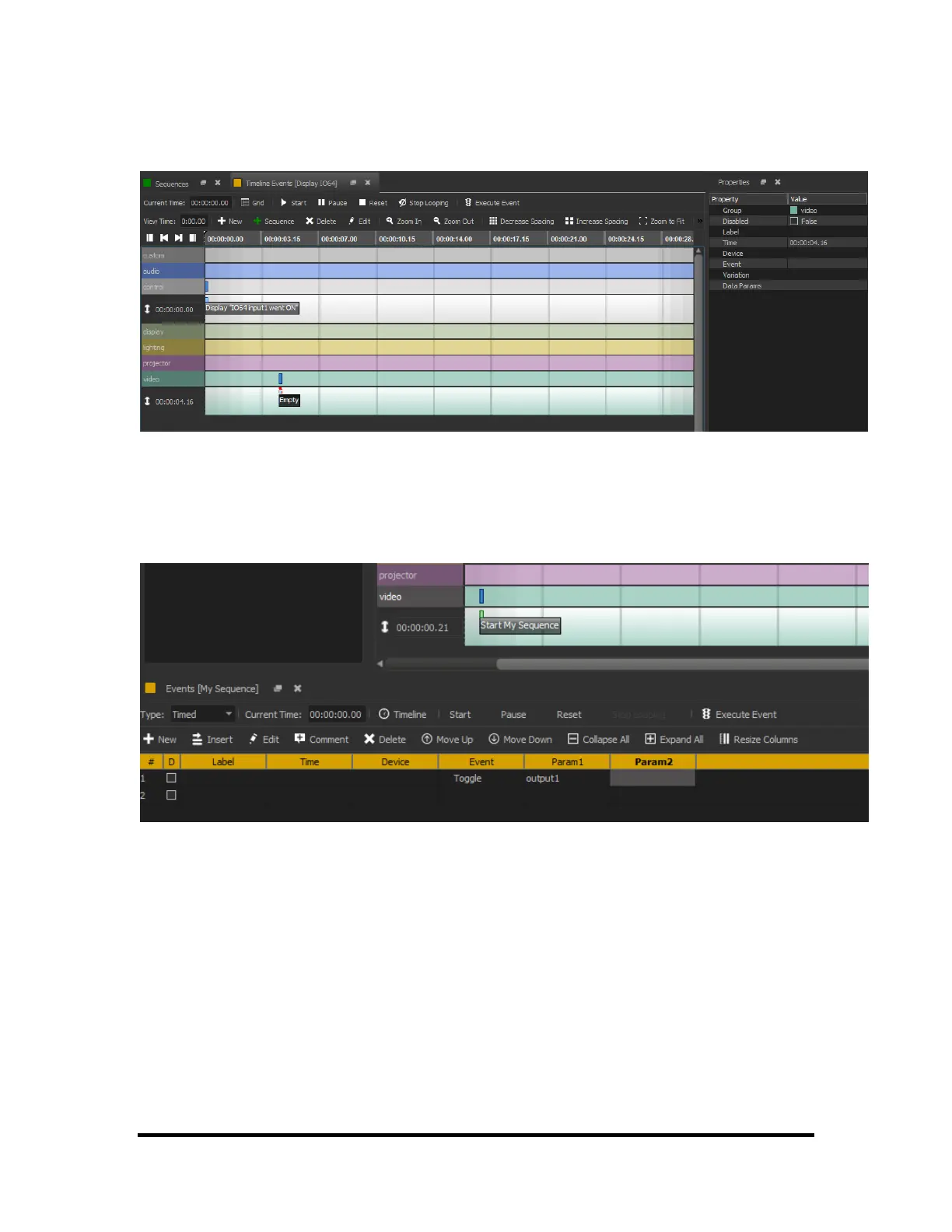
sequence in which you are currently working. This event is then placed on the group (row) that was
selected at the moment the button was clicked. This event, like with any other, can be edited with the
Properties window at the right of the screen.
The contents of the newly created sequence can be edited in the Grid window that appears below the
Timeline when the event is double clicked. An event "toggle" is shown in the sequence below. More events
can be added to the newly created sequence by double clicking on the sequence in Timeline or editing the
events in the Grid window.



 To Next Page