Timeline Page 34
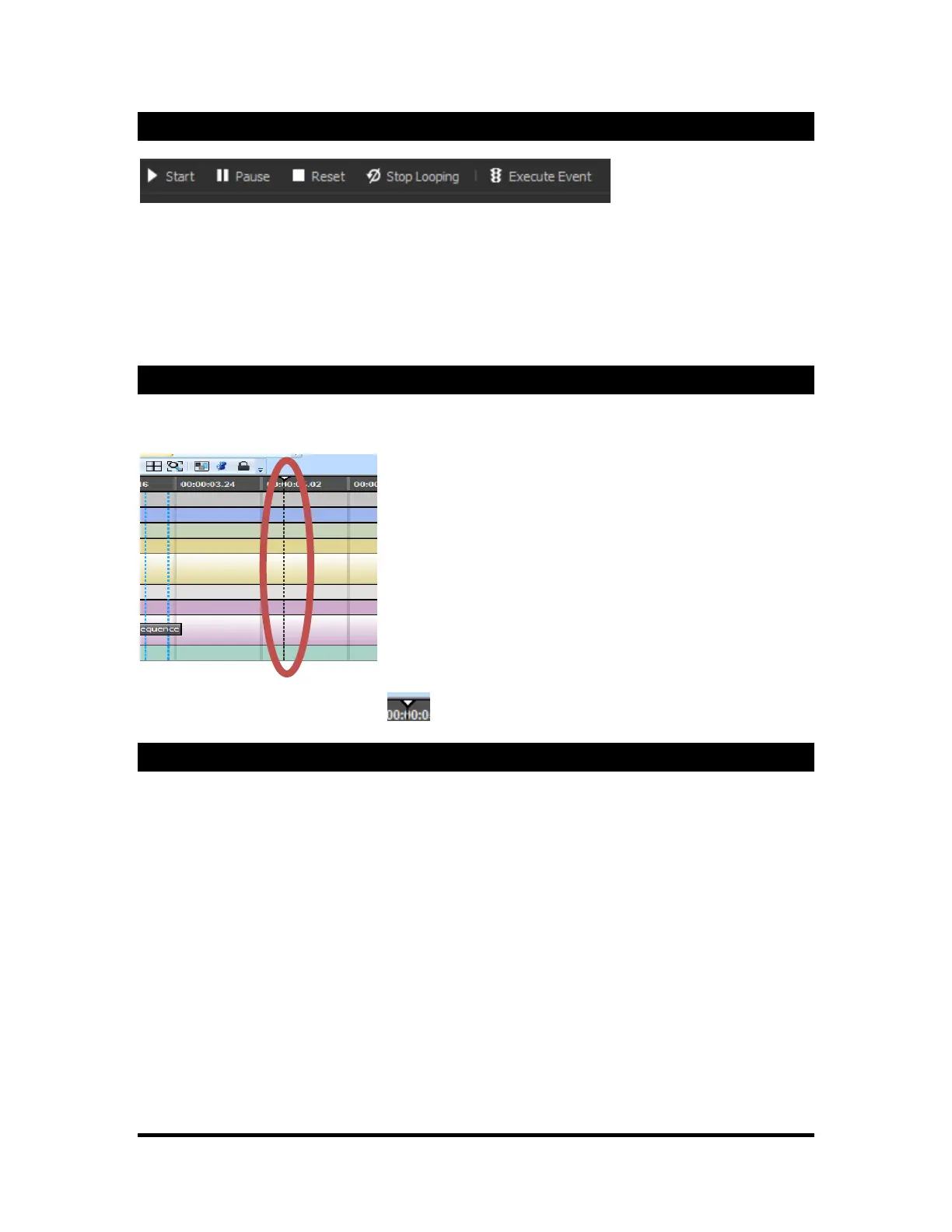
Play, Pause, Stop, and Execute
Play: This button will play the entire sequence.*
Pause: This button will pause the current sequence at the time it is pushed.*
Stop: This button will pause the current sequence and set the play marker at the beginning.*
Execute: This button will executed only the selected event.
* Live Mode Only
Current Time Marker
In Live Mode, the Current Time Marker marks the current time as a sequence is playing. It automatically
moves through the Timeline as the sequence progresses.
You can move the Current Time Marker to dynamically navigate through the sequence by dragging the
arrow on the header part of the marker.
Timeline Specific Functions
This section explains the different Timeline-specific buttons on the timeline toolbar. To read the name of
any specific button, hover your mouse pointer over the button to display the tooltip.



 To Next Page