WEB Server Quick Start
This quick start will demonstrate how to connect to the web server from your computer,
use the configuration web pages provided, and walk-through how to setup a web page for
your customer. This quick start assumes that theV16Pro is used and is configured using
factory settings and the original Compact Flash card provided. This example applies
equally well across the entire show controller family.
Step 1: Connecting to the Web Server
Open a web browser client such as Internet Explorer or Firefox
Enter the IP address of your show controller into the location bar. For example:
http://192.168.0.254/
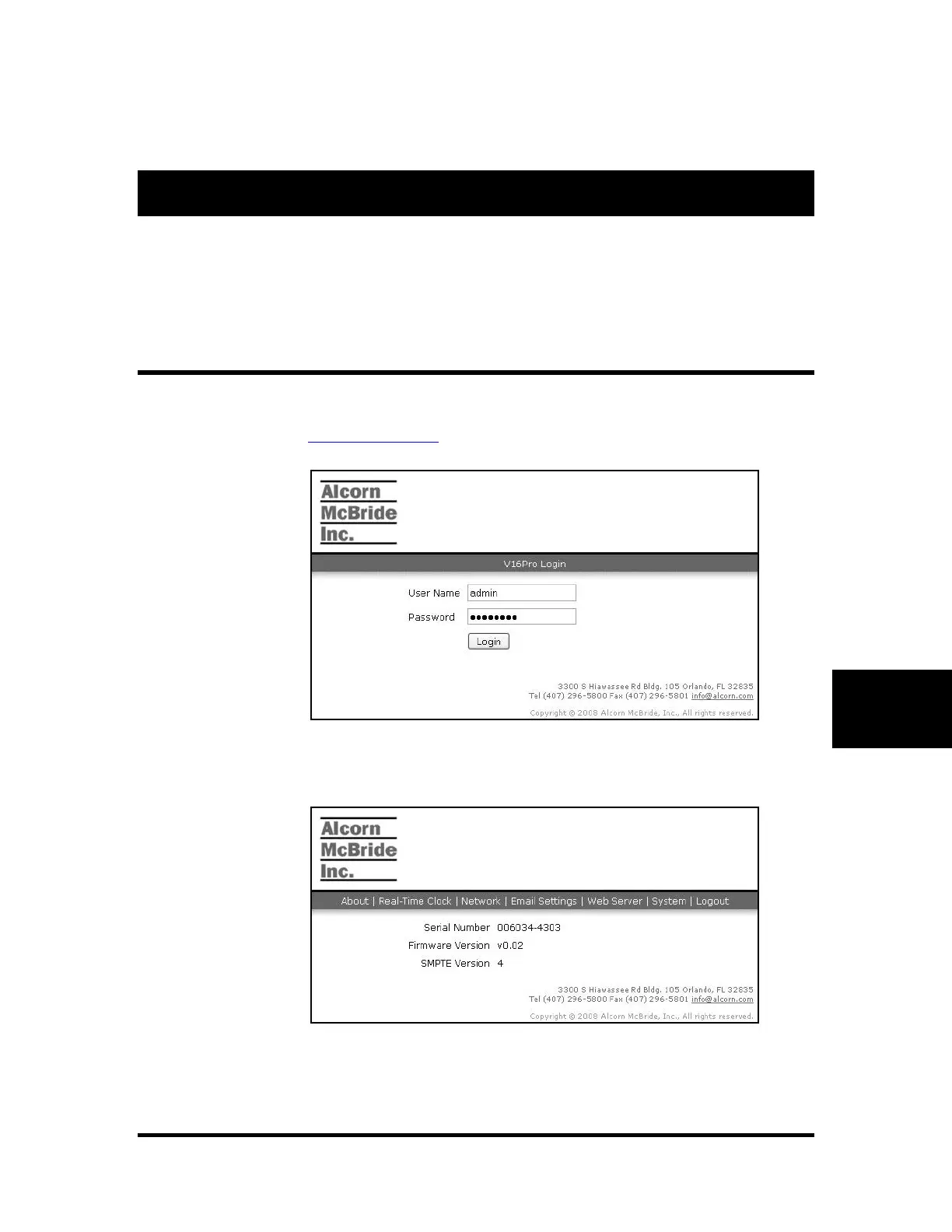
The default web page will load as shown in the screen shot below.
Enter the administrator user name and password and click "Login". The default
user name is "admin" and the password is "password".
If the login is successful, information about the show controller will be
displayed including the serial number and firmware version.



 To Next Page