VCore Page 122
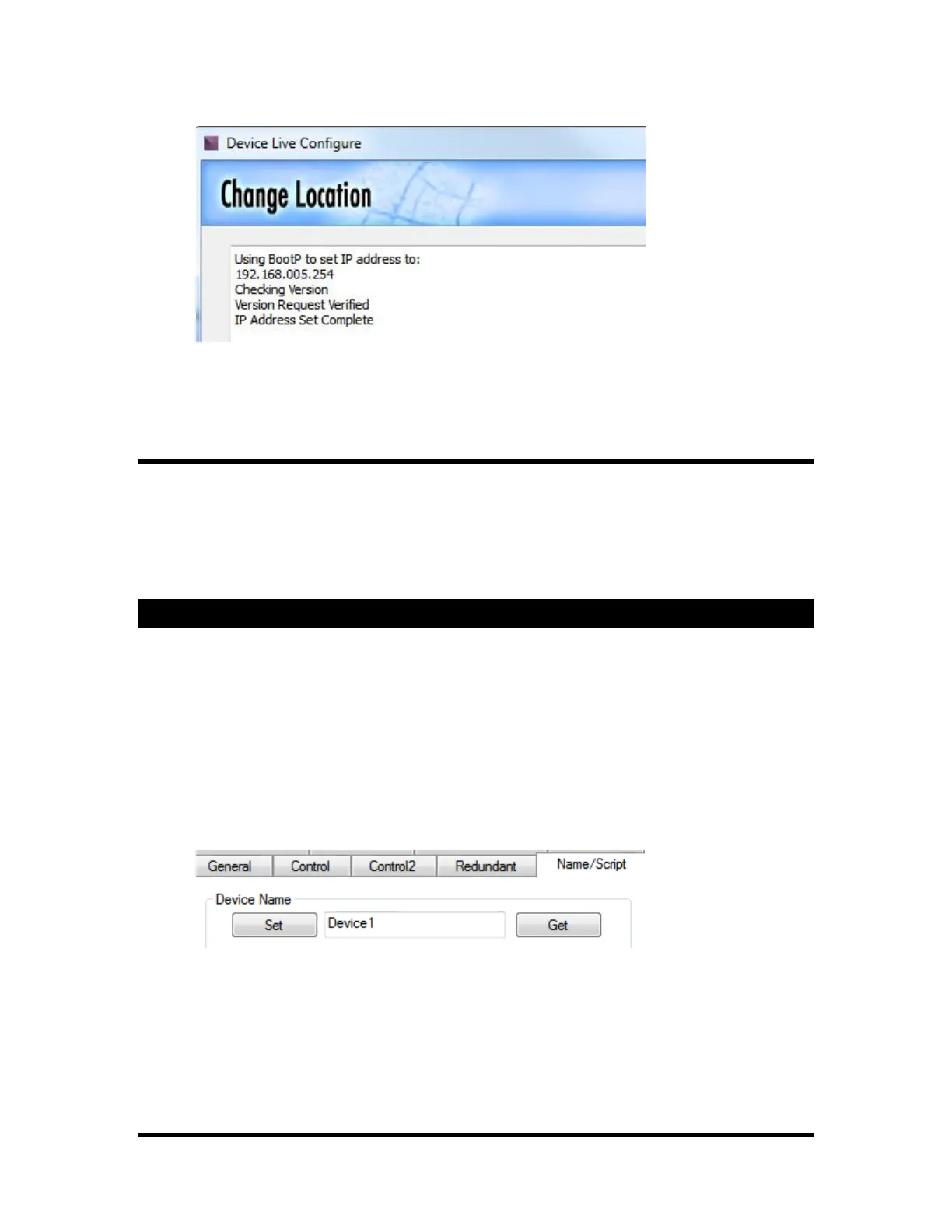
8. If your device cannot be reached, try clicking "Send Again."
9. If it still cannot be reached, try a different IP address by starting again with step 2.
USB or Serial Set
1. Set DIP switch 1 to "OFF"
2. Open "AMI-Terminal" from the "Tools" menu in WinScriptLive or from start menu.
3. Click on "USB" or "Serial" radio button
4. Click on the "Network" tab and select the "Set" radio button
5. Type in desired IP address and click on the "IP" button.
6. Type in desired subnet and gateway and click on corresponding buttons.
Naming VCore
We took the liberty of giving your VCore a name based on it's MacID. This "name" appears when
connecting in WinScriptLive. But, if you're tired of the name "Victor Corben", "Victoria Corell" or other
"VC" name, you can name your VCore using AMI-Terminal.
1. Select "AMI-Terminal" from the "Tools" menu
2. Select either Serial, Ethernet, or USB
3. Click the "Name/Script" tab
4. Enter the desired name and click "Set"



 To Next Page