WinScript Live Resources Page 26
Outputs
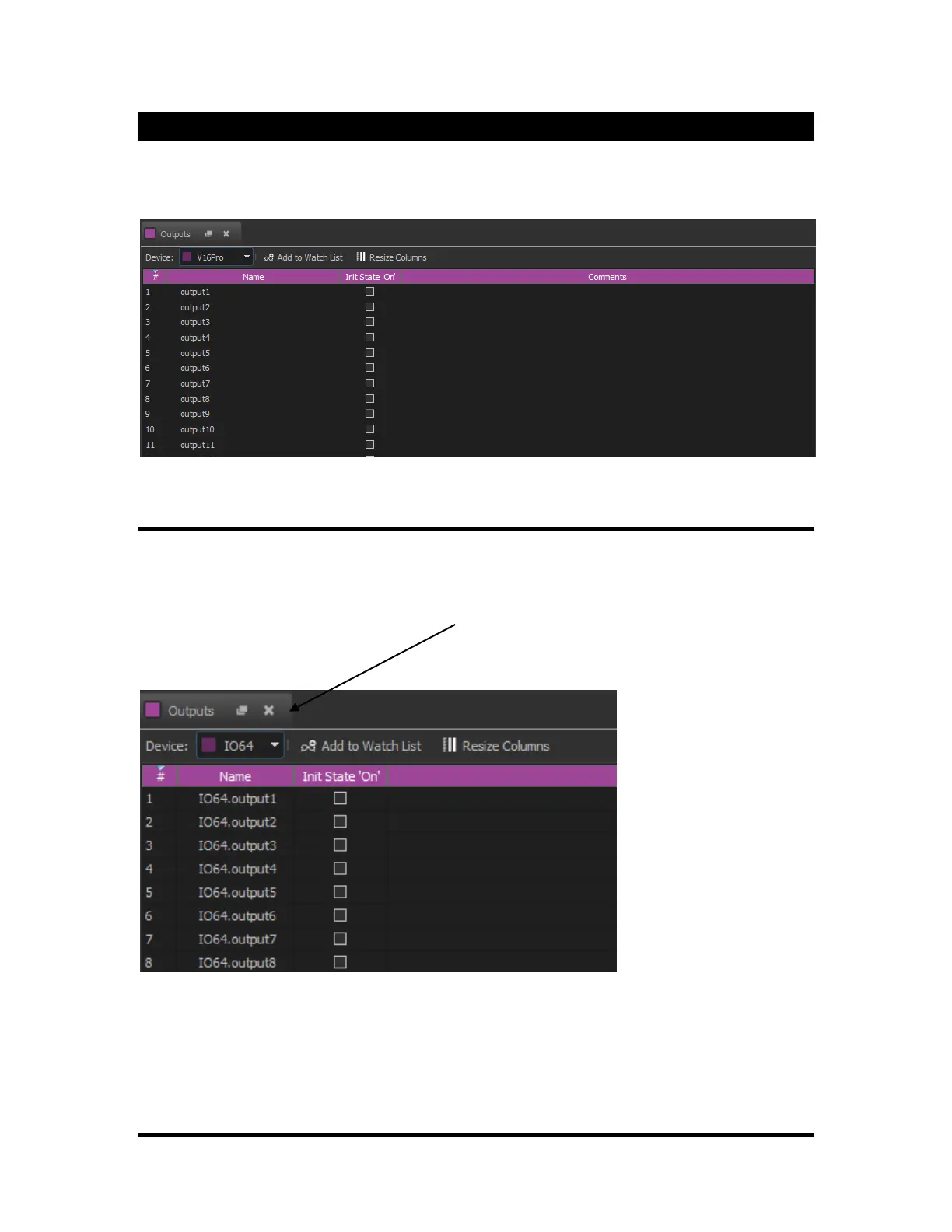
Outputs can be renamed to more easily reference them in the Event’s “Data” columns during programming.
From the output screen, you can also set the initial state of the outputs after a show controller has loaded
the show.
IO64 Slave Outputs
The Alcorn McBride IO64 can be setup as a "Slave IO" protocol. In this mode, inputs from the IO64 are
placed directly into the "Outputs" window. Once in this window, these outputs can be referenced just like
other show controller outputs.
To view a specific device's output, select the device from the drop down list at the top of the "outputs"
window. (See below)
If this list does not appear, make sure that "Slave IO" is listed as the "protocol" for the device in the
"Devices" screen. If it is not, edit the device and select "Slave IO" as the protocol.
This feature can be used with the IO64, V16+, V4+, V2+ and the Interactivator. However, other types of IO
can be integrated in this fashion by creating the appropriate protocol file.



 To Next Page