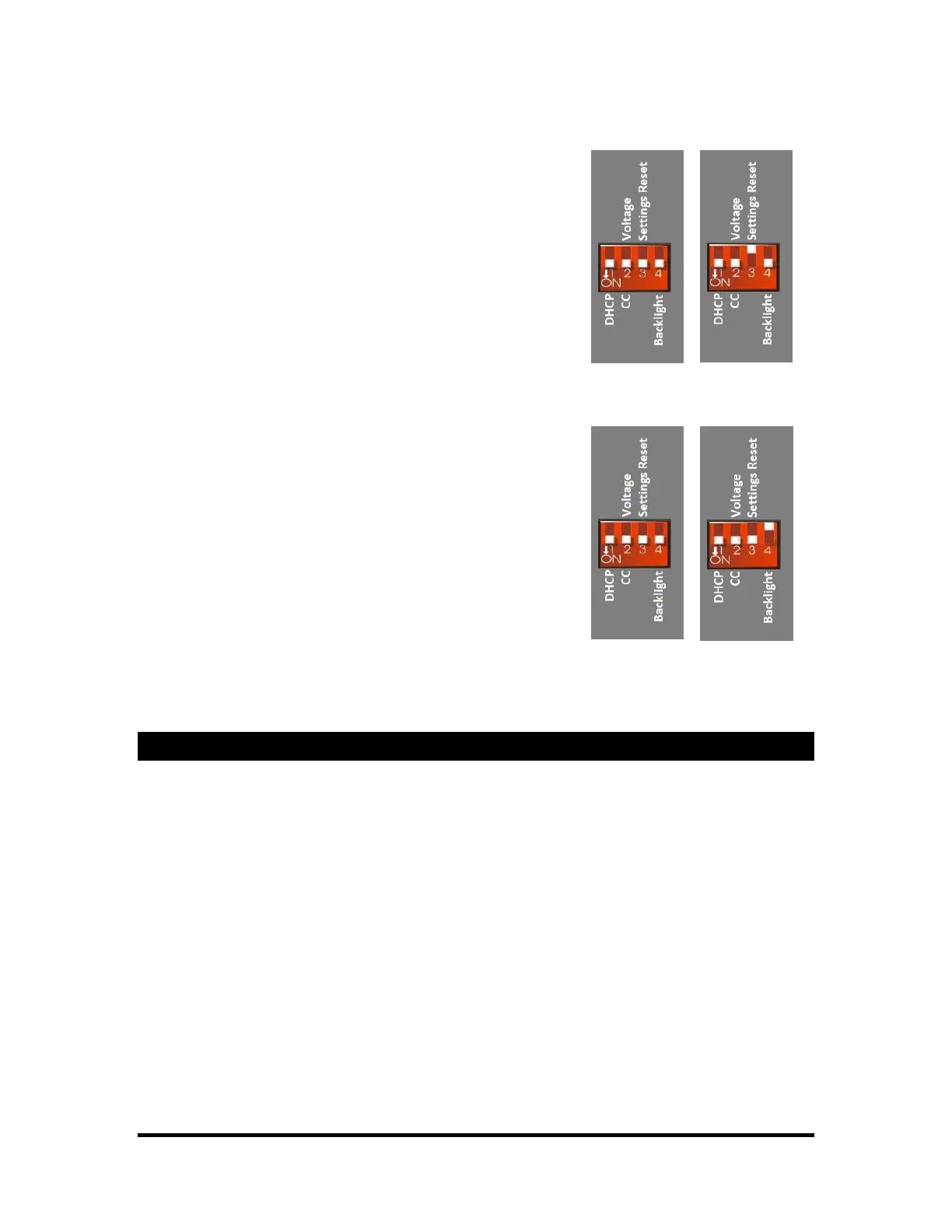
Reset
Will restore certain settings back to factory defaults. These settings
include: IP Address, Date/Time and related time zone configuration,
NTP, SMTP, E-mail Settings, and Script Variables stored using
"Save Variable."
To apply the reset, flip the switch up into the "OFF" position. Leave
in this position for about 1 minute. Flip the switch down again and
power-cycle the VCore.
Note: Script Variables take the longest to clear. After a few seconds,
most settings will be cleared to defaults.
Backlight on / off
This switch will be used to enable or disable the backlight feature.
Down (ON) will turn on the backlight. Up (OFF) will turn it off.
Show Memory
When scripts are compiled and sent to the VCore, the data is stored in SD card. The
smallest Compact Flash card made will accommodate about a hundred copies of the a
script, so it won’t be necessary to upgrade this memory.



 To Next Page