Show Controller External Control Page 58
2: Add Incoming Message Triggers
After you've created sequences that do what you'd like, you can add triggers to those sequences that allow
the Putty to start the sequence.
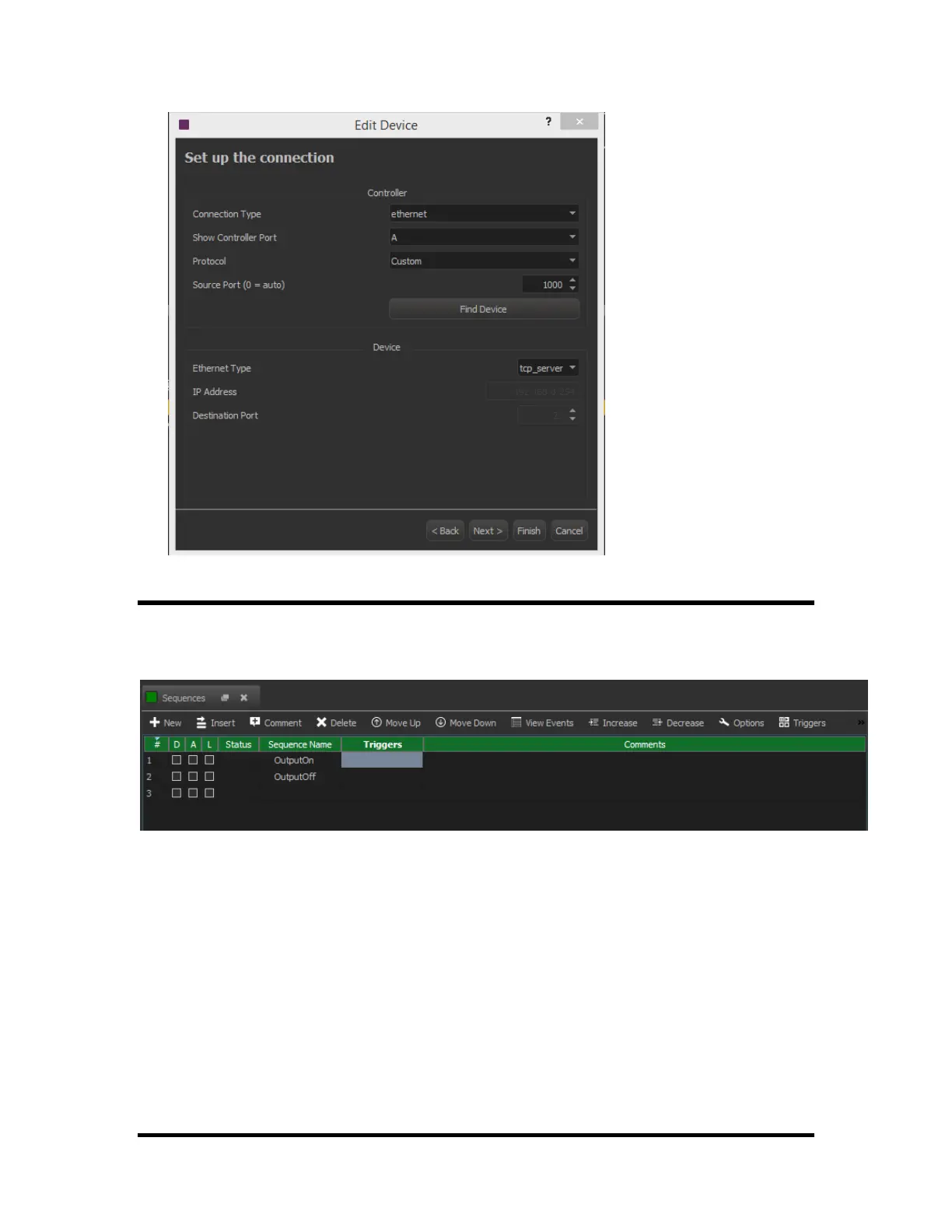
In this example, I have two sequences named "OutputOn" and "OutputOff".
To allow these sequences to be started with an iPhone app:
1. Click on the "Triggers"
2. Click "yes" to open the triggers window.
3. Create a Trigger as shown below



 To Next Page