Scheduler (Web-based) Page 133
Scheduler (Web-based)
Schedule files are text files with a .xml extension. Schedule files can be created in any editor and placed on
the compact flash card. The following section describes using the web-based interface to create a schedule
file. The example that follows will use the V16Pro and will apply equally well to the entire show controller
family.
Getting Started
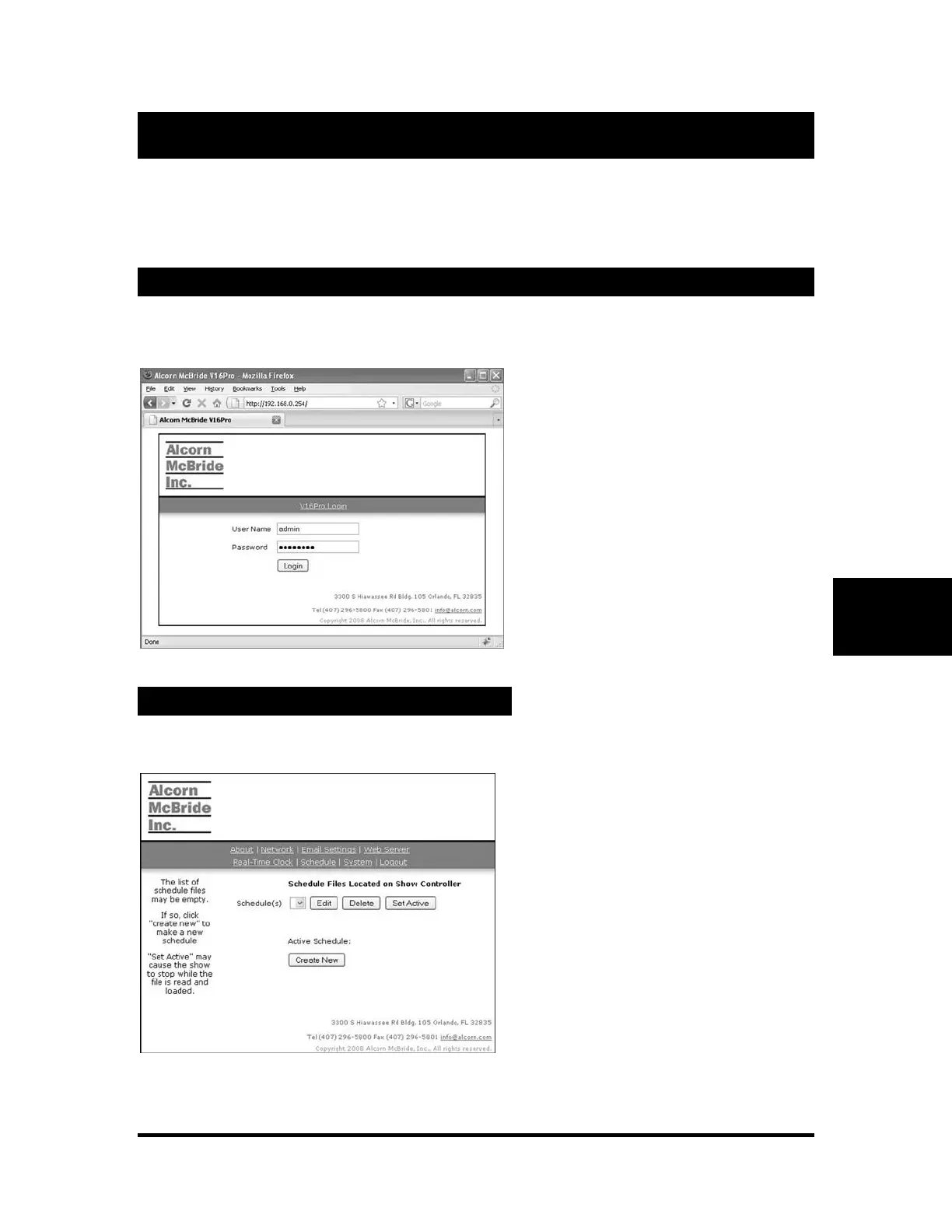
Using a web browser, enter the IP address of the V16Pro into the address bar. The admin user must be
logged-in to edit schedule files.
Creating a New Schedule File
Enter the admin user name and password
then click “Login”.
If successful, the V16Pro serial number
and firmware version will be displayed.
Click “Schedule” from the links at the
top to display the schedule selection
menu.
Click “Create New” to make a new
schedule.



 To Next Page