WinScript Live Resources Page 32
• IO: Any input, output, button going "on" or "off"
• Variable: A Variable matching a specific value or matching another Variable.
• Date/Time: Any time of day with an optional repeating pattern
• Incoming Messages: Any message coming in on a specific device's port. This message may
already be defined in the protocol file or set as a "custom" message.
Note on Incoming messages: If an incoming, unsolicited message is already defined in the product file
(.prd), it will be checked BEFORE any "custom" incoming message triggers in a script. If the incoming
message that is defined in the protocol file is found, that string will thus not be checked against the
"custom" trigger. The same applies for incoming responses to a product-file defined commands.
Media Files
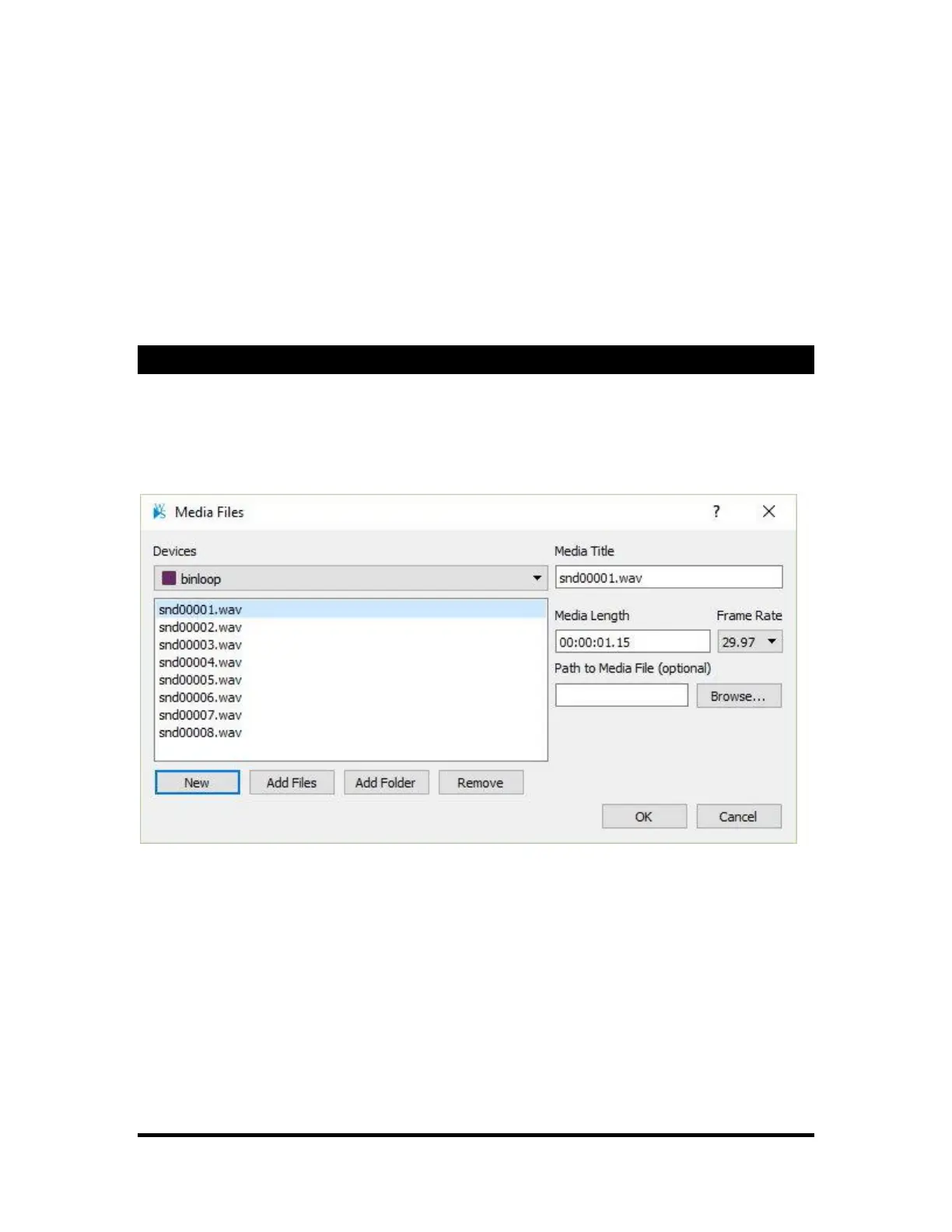
Media Files stores a list of media used by each Device. The actual content data is not stored in the
WinScript file. Only information about the media is stored. The information can be used as a convenient
way to organize, access, and visualize the media within the script.
Each Media File entry can track the Title, Length, and Path to the file if it exists on the computer. The
Media File entries can also store more specific data like video frame rate.



 To Next Page