WinScript Live "Live Mode" Page 50
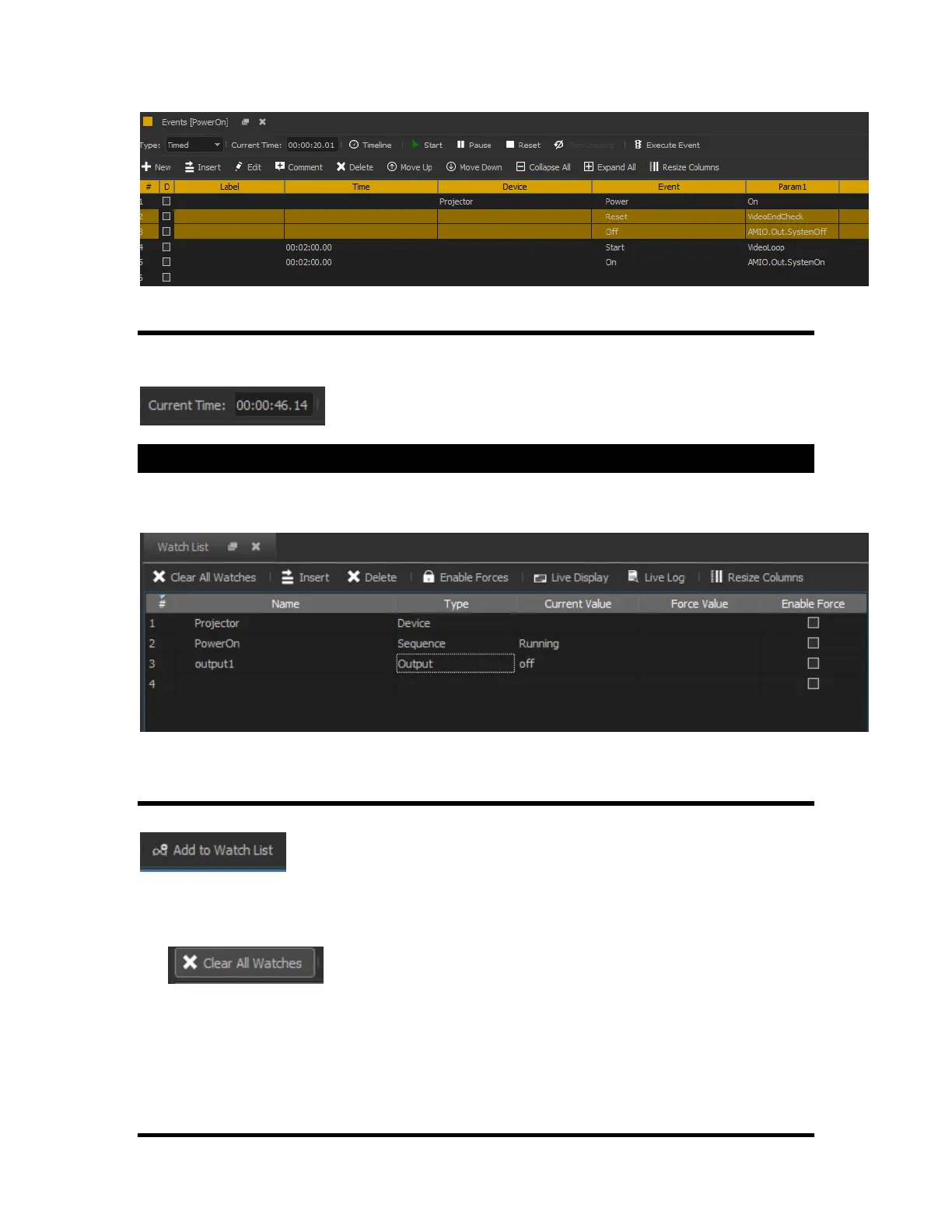
Current Time
The current running time of the sequence can be viewed in the upper right corner of the “Events” window
for that sequence.
Watches
All resources can be added to the watch list. This list allows for easy viewing of inputs, outputs, and
variables, sequences and devices as they change.
Adding Watches
You can add items to the watch list by typing in the “name” column or by clicking on
from the resource (inputs, outputs, etc) window.
Adding a device into the list allows all communication to and from that device to be displayed into the live
log.
The button will delete all watches from the list. This does not affect the resource
(input, output, button, etc) in any way, it only the removes the resource from the watches list.



 To Next Page