Show Control Ports
The Show Control ports are used to control other devices used to control show devices.
These devices include, for example, video and audio playback machines, lighting controls
and gates, doors and curtains and any other show related machines.
Ports 1-16: RS-232 or RS-422/485
Ports 1-16 are configured as RS-232 or RS422/485 by software. The V16PRO
requires an external 220-Ohm termination for RS-485. When using RS-232C,
take note of the "Do Not Connect" pins.
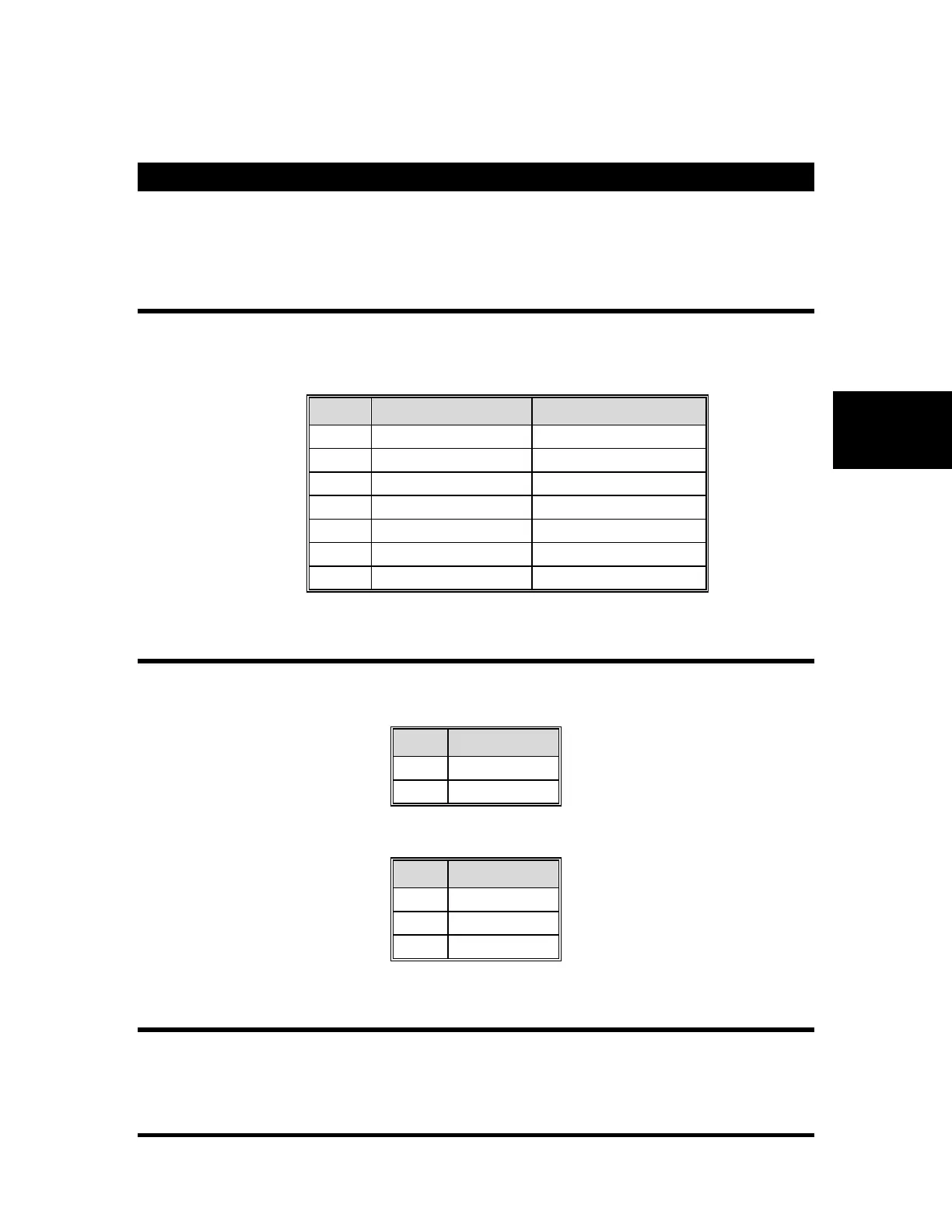
Table 3 – Ports 1-16 connections for RS-232 or RS-422/485 operation.
MIDI Ports
There are two MIDI ports on the V16Pro MIDI-IN and MIDI-OUT. The MIDI
IN port receives MIDI Input, and MIDI Output is sent out the MIDI OUT port.
MIDI IN
Table 6 – MIDI OUT connections.
Ethernet Ports A and B
There are two Ethernet ports as mentioned before and are named A and B. If the
Ethernet ports are not being used to configure the V16Pro, you have the option
of controlling two isolated show networks. This can be an advantage when IP



 To Next Page