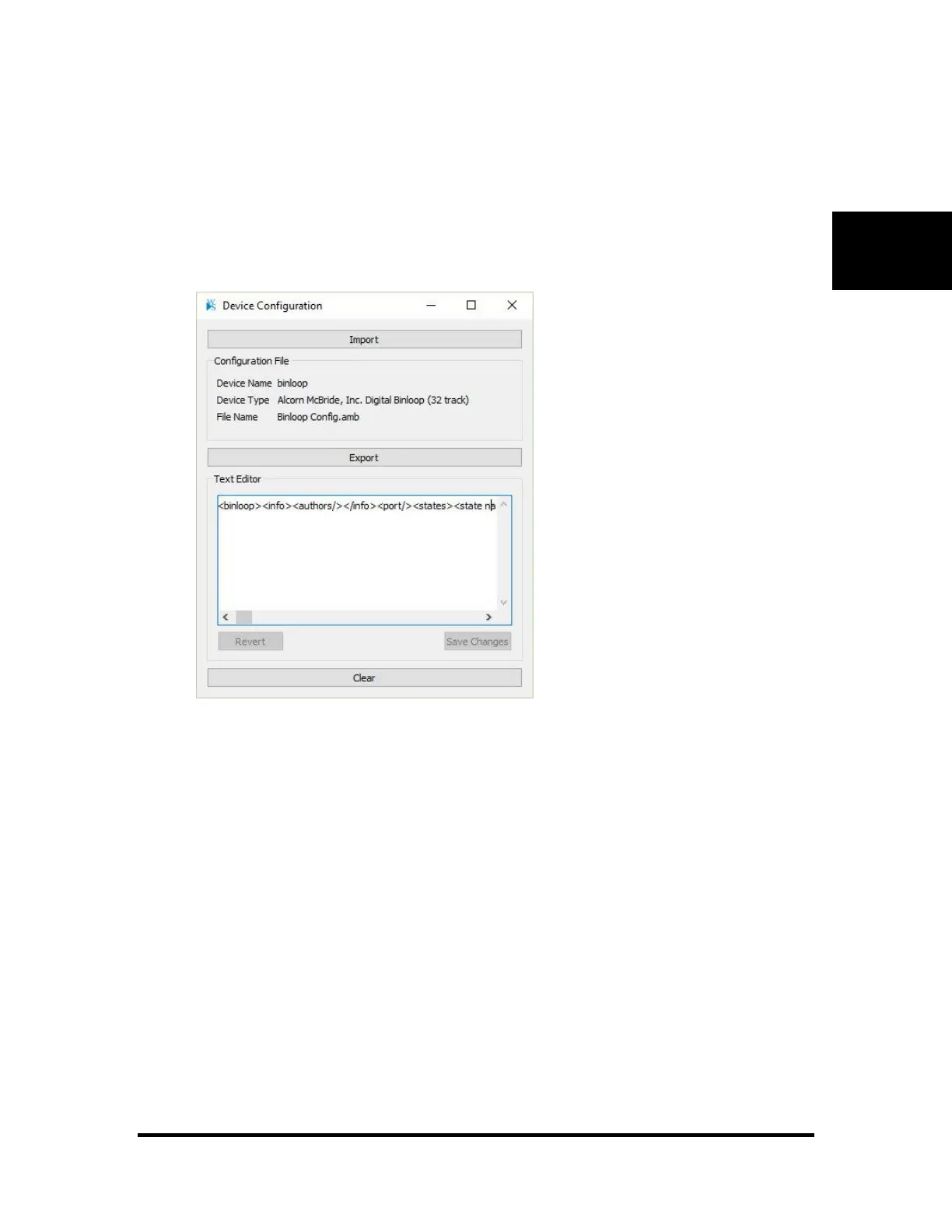
Device Configuration File
• To help keep your data organized, it is possible to save a configuration file with the device. The
file itself will be stored within WinScript and can be saved at any time should it be needed to
reconfigure a device or to configure a replacement device.
• Import – bring a configuration file into your WinScript document
• Export – save a stored configuration file to your computer
• Clear – remove a stored configuration file
• If the configuration file is a text document. You can edit the file and Save Changes directly from
this dialog



 To Next Page