WinScript Live Command Reference Page 85
Data2's "Format String" is made up of placeholders that indicate where and how the variables in
Data3-DataN should be inserted. The table below shows what % character should be used to
format the string. In general, %s will work for most cases.
Inserts the text in string format. Hex characters are
converted into ASCII printable characters like "h0D".
Inserts time in the format "00:00:02.01"
Inserts the number of frames – ie: 61
Inserts number without leading zeros or spaces. To add
leading zeros, use %0nD where "0" indicates to pad
with zeros and "n" is number of zeros to pad. For
example: %03d will insert the number 2 as 002.
Inserts the number as a hex string. For example, the
number 11 would be inserted as 0B.
No conversion to ASCII will be made, and the number
will be placed in the string. For example, the number
13 (hex 0D) will be inserted as a Hard Return.
Inserts one decimal place OR number of places
specified after "." preceding "f". For number 1.12345,"
%.1f" inserts 1.1. "%.2f" inserts 1.12. "%.4f" inserts
1.1234.
"true" or "false" will be printed
"1" or "0" will be printed
Inserts in the format: month/day/year hours:minutes
Inserts string including % character. ie: 100%
Inserts decimal percentage, shows 25% as .25
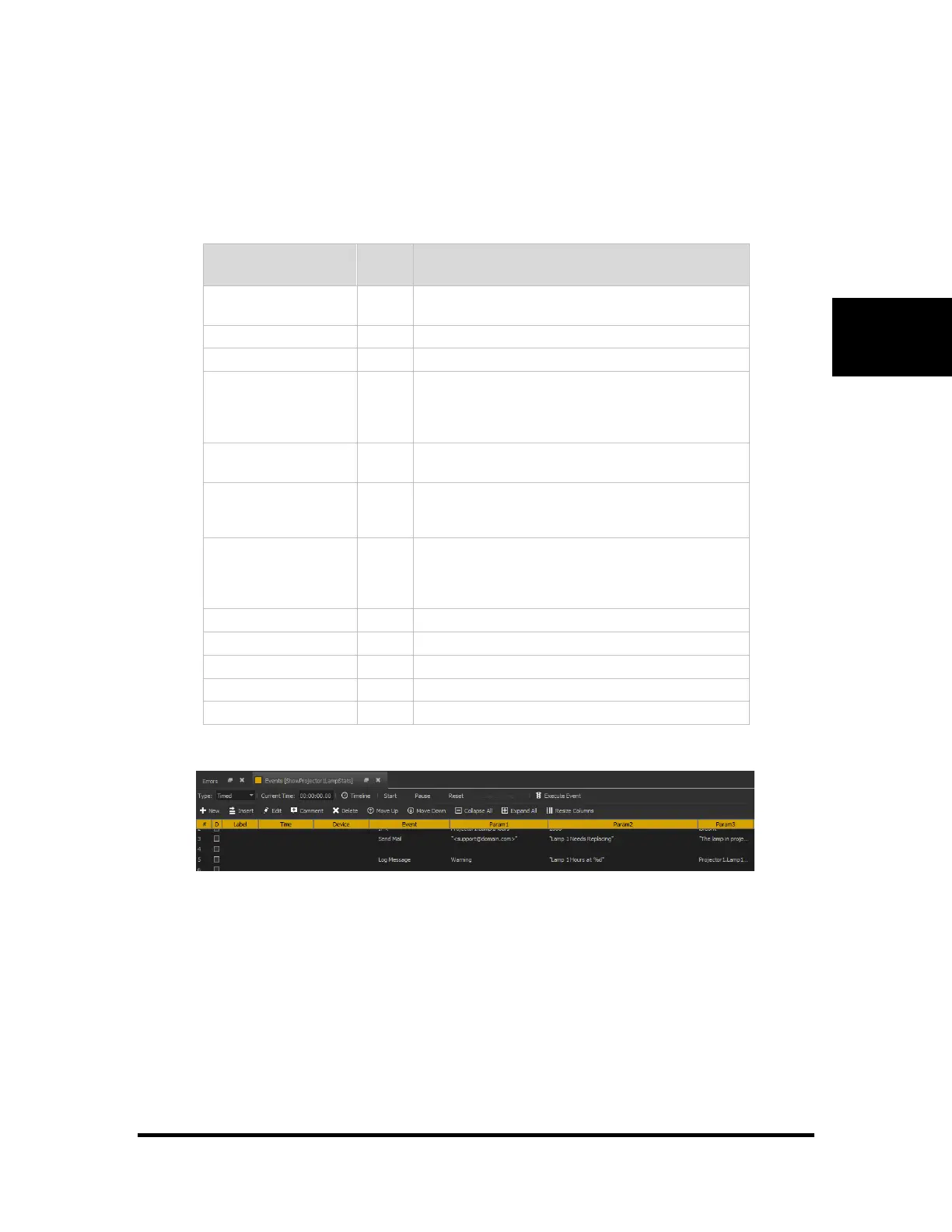
Example:
Displays a warning message including lamp hours



 To Next Page