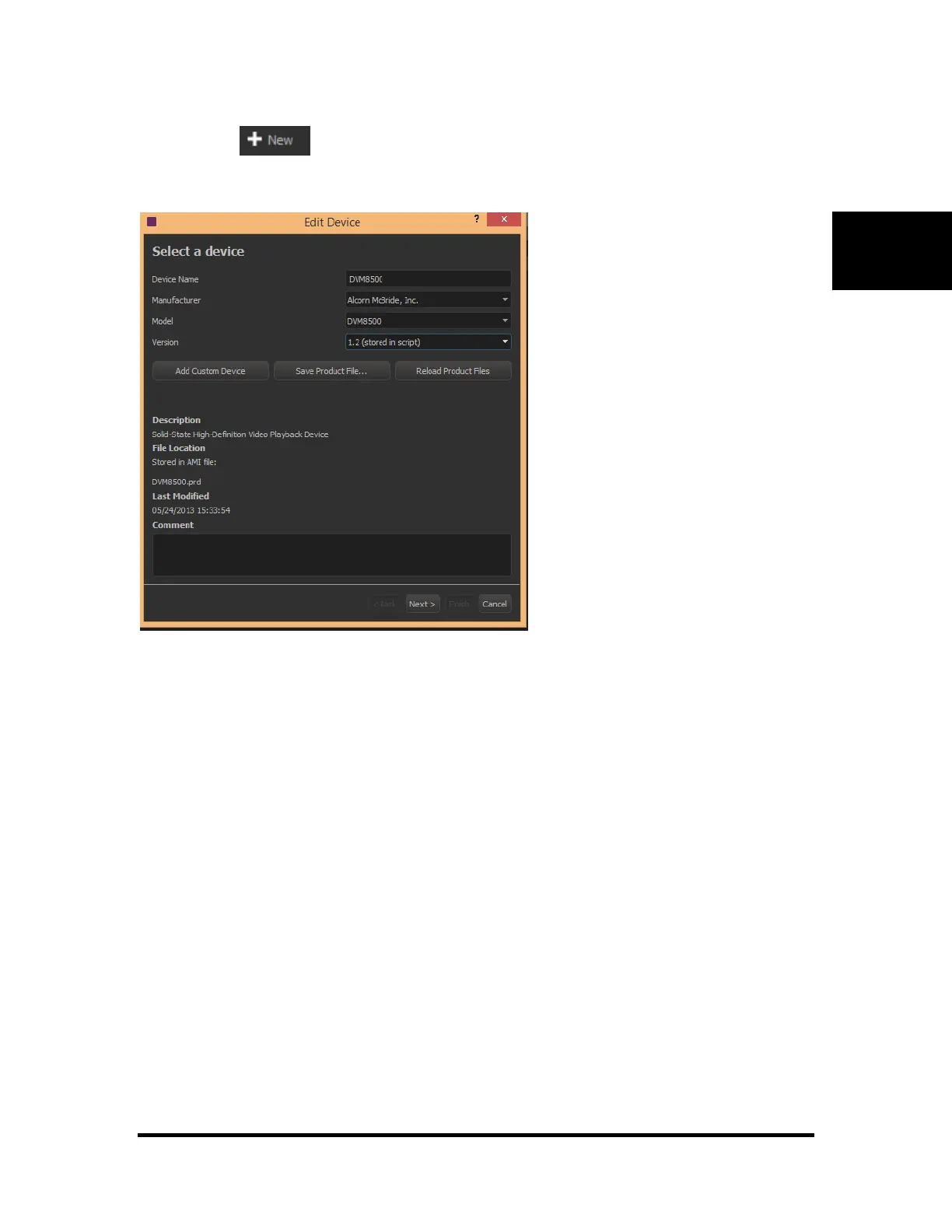
Clicking on the button in the devices tab will bring up a wizard that will guide you through
setting up communication from the show controller to your device. Alternatively, you can right click on a
blank row and click “Edit”.
This form will configure the show controller for the kind of device to be connected such as DVM, DMX,
Audio or any other kind of equipment needed. The information about the device selected is displayed and
where the product file is located.
Note: Product files are often shown with the Resulting File description of "Stored .ami file." This occurs
after a file has been saved with a particular device configured. Every .ami file contains all of the product
files necessary for the script to run and be edited. If you wish to specifically refresh the product file to a
later version after a product file has been saved to the .ami file, you can do so from this screen.
The next step is to configure the hardware communications link.
If serial is selected, the user will be prompted for the port number, protocol format, baud rate and other
serial control information. All the serial ports may be configured for RS232 or RS422.
If Ethernet is selected, the user will be prompted for the network port A or B, protocol format, IP address,
Ethernet Type, and Ethernet port numbers for the device and show controller.



 To Next Page