6. Click "Finish"
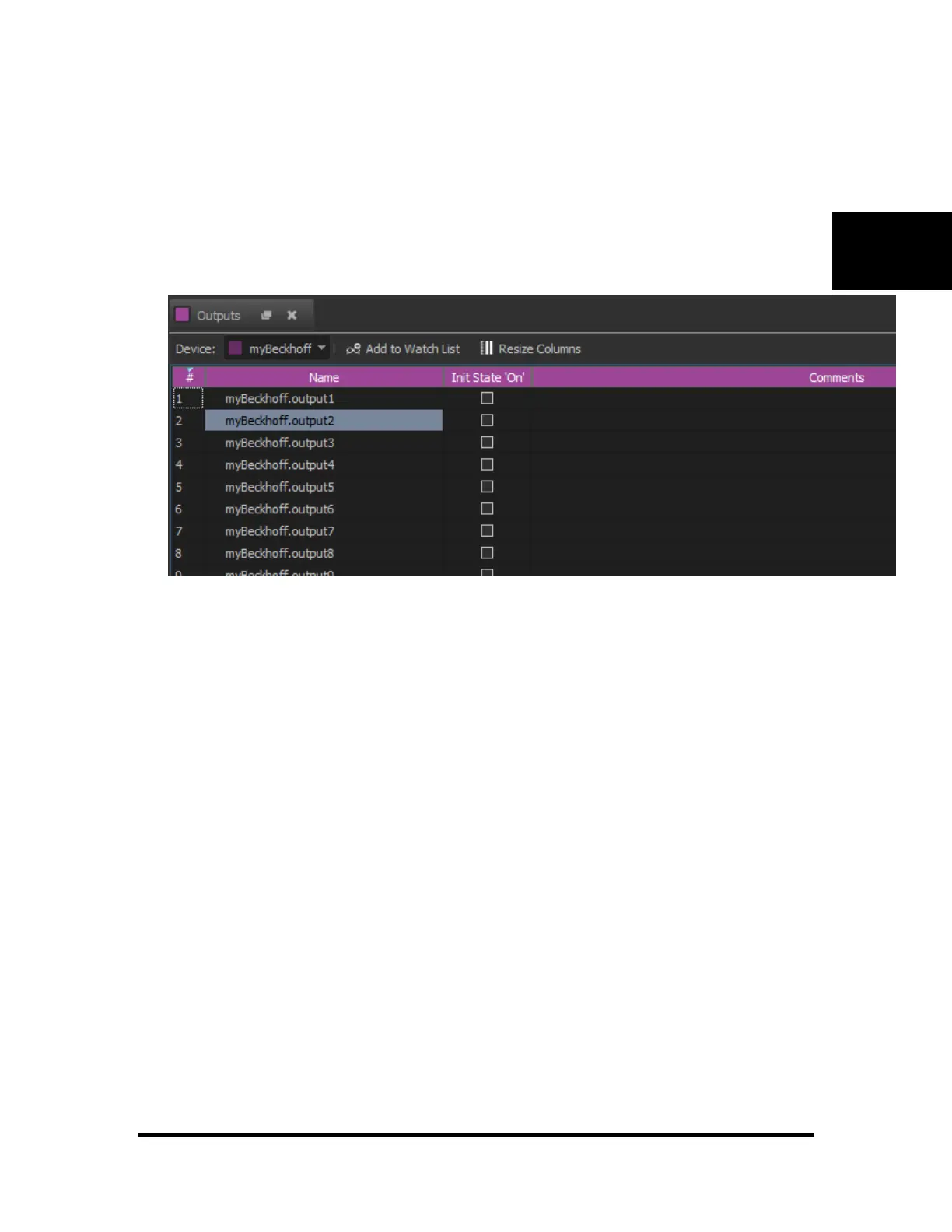
Your IO will now show up in the "Inputs" and "Outputs" lists. To view your Beckhoff IO inputs:
1. Go to "Resources""Outputs" to view the output list.
2. Select the name of your device (in our example: "MyBeckhoff") from the toolbar
You may now use your outputs just like any other internal output. Use commands such as "Off", "On" or
"Toggle" to control the output state. Commands such as "If On" or "If Off" may be used as well.



 To Next Page