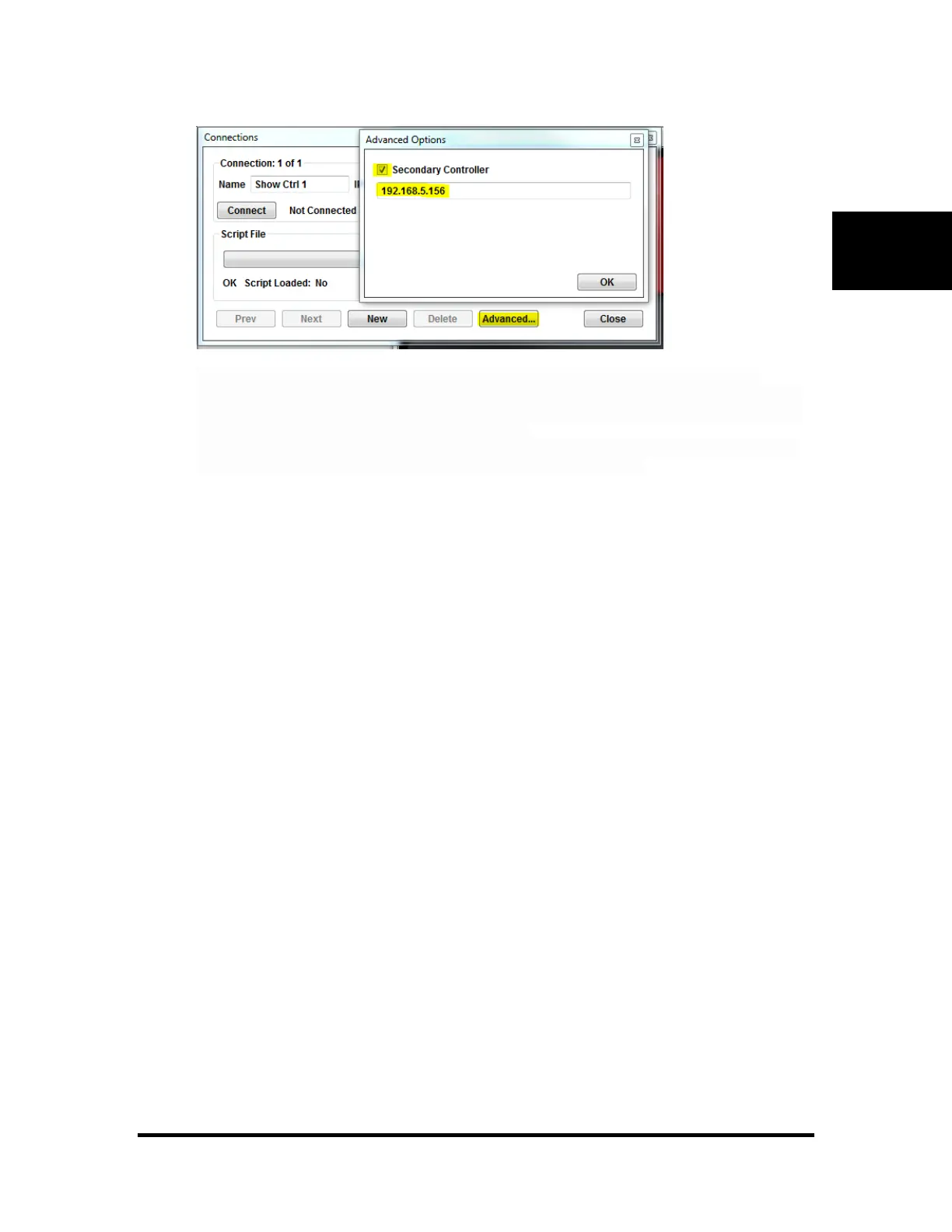
Check the box for "Secondary Controller" and enter the IP address. It doesn't matter which
controller is the master or slave at the time, Touch will automatically switch between the two if it
fails to communicate more than twice. You will see a message in the Touch Log that states when
a switch is made between the Primary and Secondary
controllers. All earlier versions of Touch will completely ignore this setting and will only use the
primary IP address so make sure you are running Touch 2.06 or greater.



 To Next Page