Install and Connect MCC1 (Multicarrier) Cabinet
Task List: Connect DC Power and Ground
SI Installation and Upgrades 355
June 2004
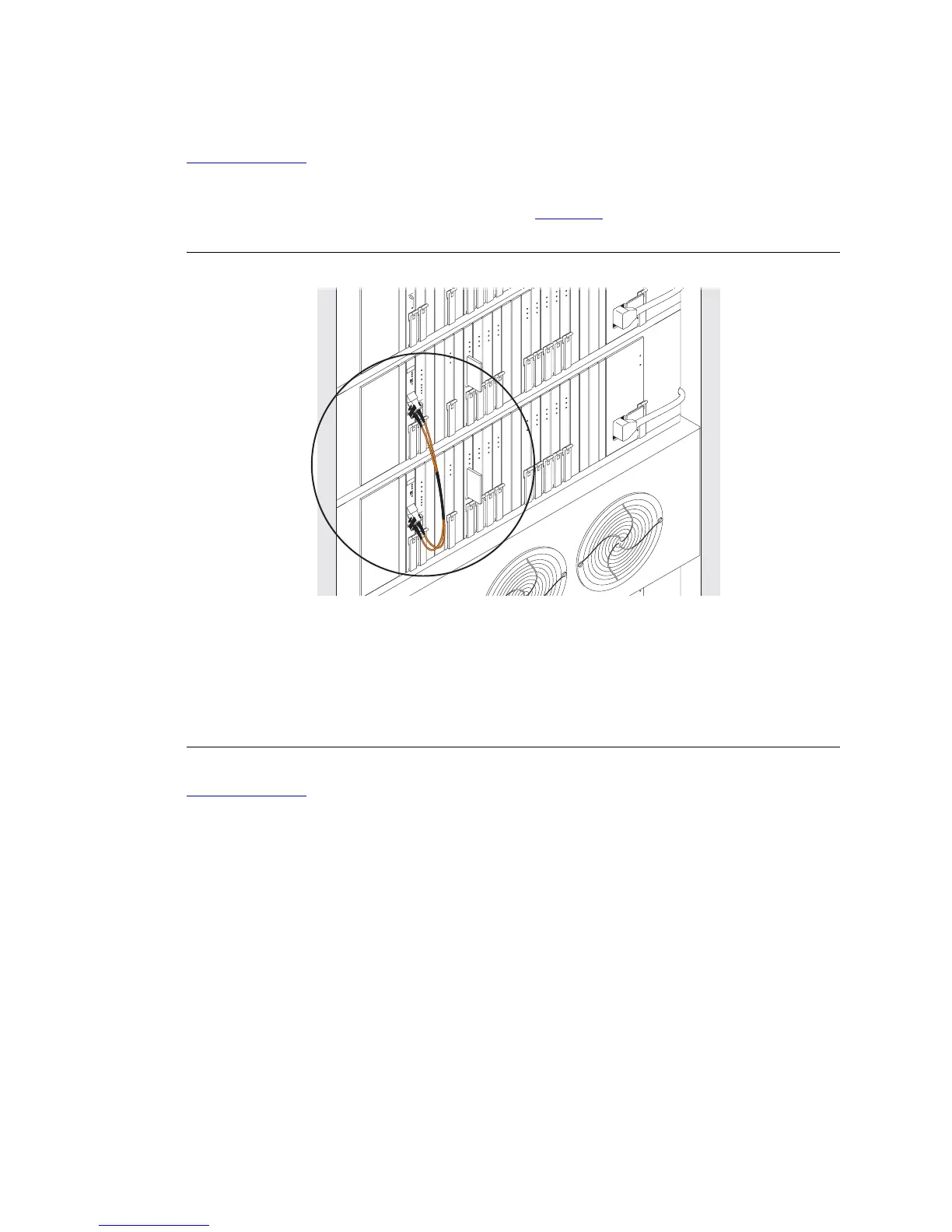
Verify Fiber Optic Duplication Interface Cabling (TN792 port networks)
Return to Task List
If the fiber optic duplicate interface cabling is not already installed, interconnect the A and B port
networks (TN792) with the 14-in. fiber optic cable (see Figure 104
).
Figure 104: Fiber optic cable connecting the two duplication interface circuit packs
Return to Task List
Figure notes
1 AHF110 TDM Bus Terminator (Slot 17)
2 TDM/Local Area Network (TDM/LAN)
Pinfield (Slot 00)
3 TDM Bus Cable WP-91716 L3
4 Port Cabinet (Standard Reliability)
5 Control Cabinet A Position
6 AHF110 TDM Bus Terminator (Slot 03)
7 Slot 18
fodf792 KLC 090399
C
A
R
D
I
N
U
S
E
ALARMS
EMERTR
C
A
R
D
I
N
U
S
E
ALARMS
EMERTR
B
AU
T
O
A
OV
E
R
I
D
E
S
P
E
E
MERTR
B
AU
T
O
A
OV
E
R
I
D
E
S
P
E
B
A
B
A



 To Next Page