Bring the System Online
Task List: Activate the System
SI Installation and Upgrades 461
June 2004
Task List: Activate the System
1 Install Translation Flash Memory Card (Avaya DEFINITY Server si) on page 461 or Install
Removable Media (MCC1 only) on page 461
2 Power Up AC-Powered System on page 462 or Power Up DC-Powered System on page 462
3 Verify Messages on Terminal on page 463
Return to Task List
Install Translation Flash Memory Card (Avaya DEFINITY Server si)
Return to Task List
1 Insert the translation card into processor circuit pack.
Return to Task List
Install Removable Media (MCC1 only)
Return to Task List
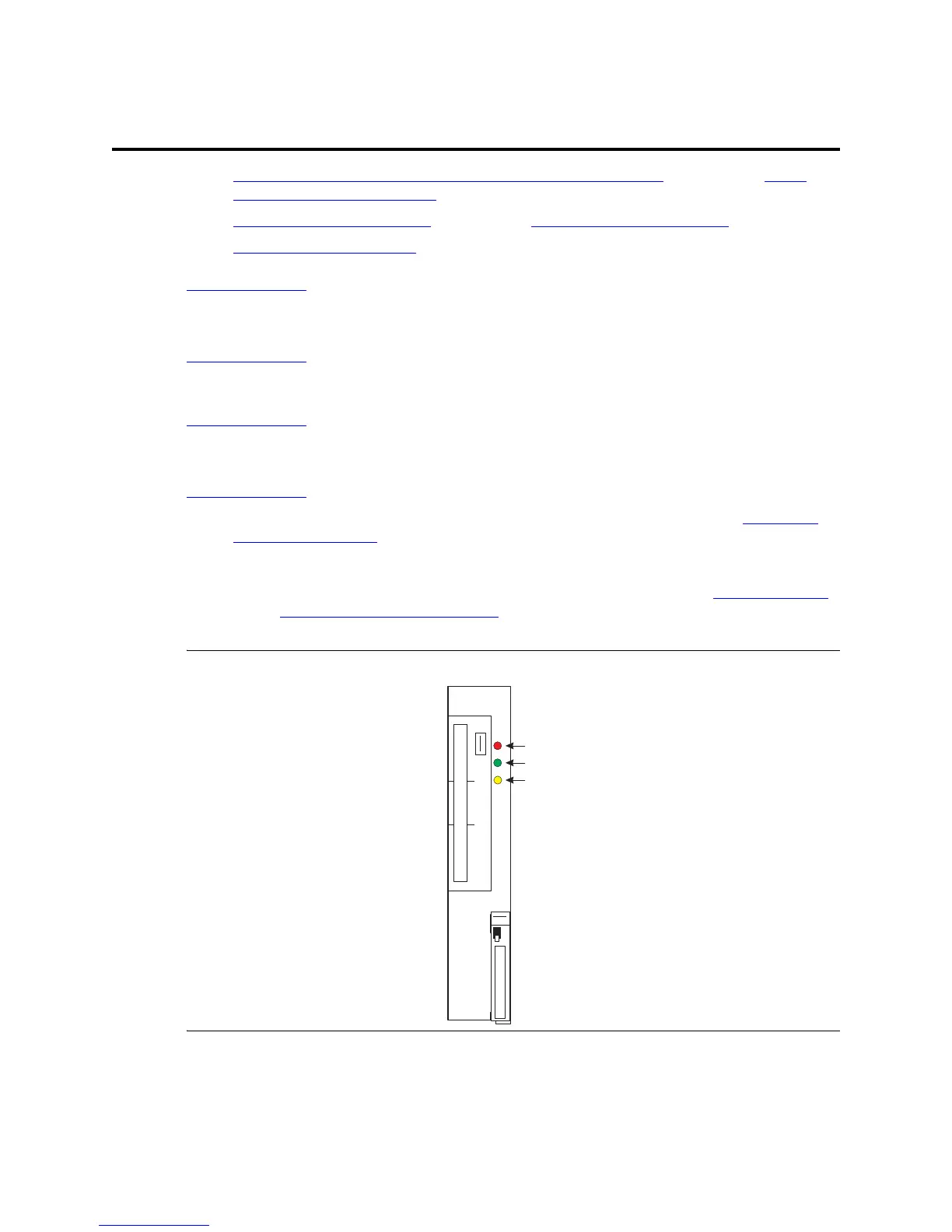
1 Insert the formatted removable media, label facing left, into the optical drive (see Figure 170,
TN2211 Optical Drive, on page 461).
NOTE:
Make sure the formatted removable media is not write-protected (see Figure 171, Make
sure the disk is not write protected, on page 462) before placing it into the optical drive.
Figure 170: TN2211 Optical Drive
Red
Green
Yellow
fpdf2211 LJK 092799
TN2211 OPTICAL DRIVE
CAUTION: DO NOT REMOVE until shutdown
procedure is completed. OK to remove only
when green and yellow LED’s are off.



 To Next Page