Install and Administer Trunks
Add TN1654 DS1 Converter (r only)
682 SI Installation and Upgrades
June 2004
Return to Task List
Installing TN1654s in a Port Carrier
Return to Task List
1 Install the TN1654 circuit pack in any slot in a Port Carrier close to a TN570D Expansion
Interface circuit pack.
2 On the backplane, connect a 14-inch (35.56 cm) Y cable from the TN1654 circuit pack to the
TN570D circuit pack. See Figure 276, DS1 Converter Connections — Part 1,
on page 683.
3 The Y cable used with the TN1654 is different than the Y cable used with the TN574. These
cables are NOT interchangeable.
4 Connect an H600-348 Quad cable to the other side of the double-headed Y cable.
5 Skip to Connecting Through a Channel Service Unit on page 685.
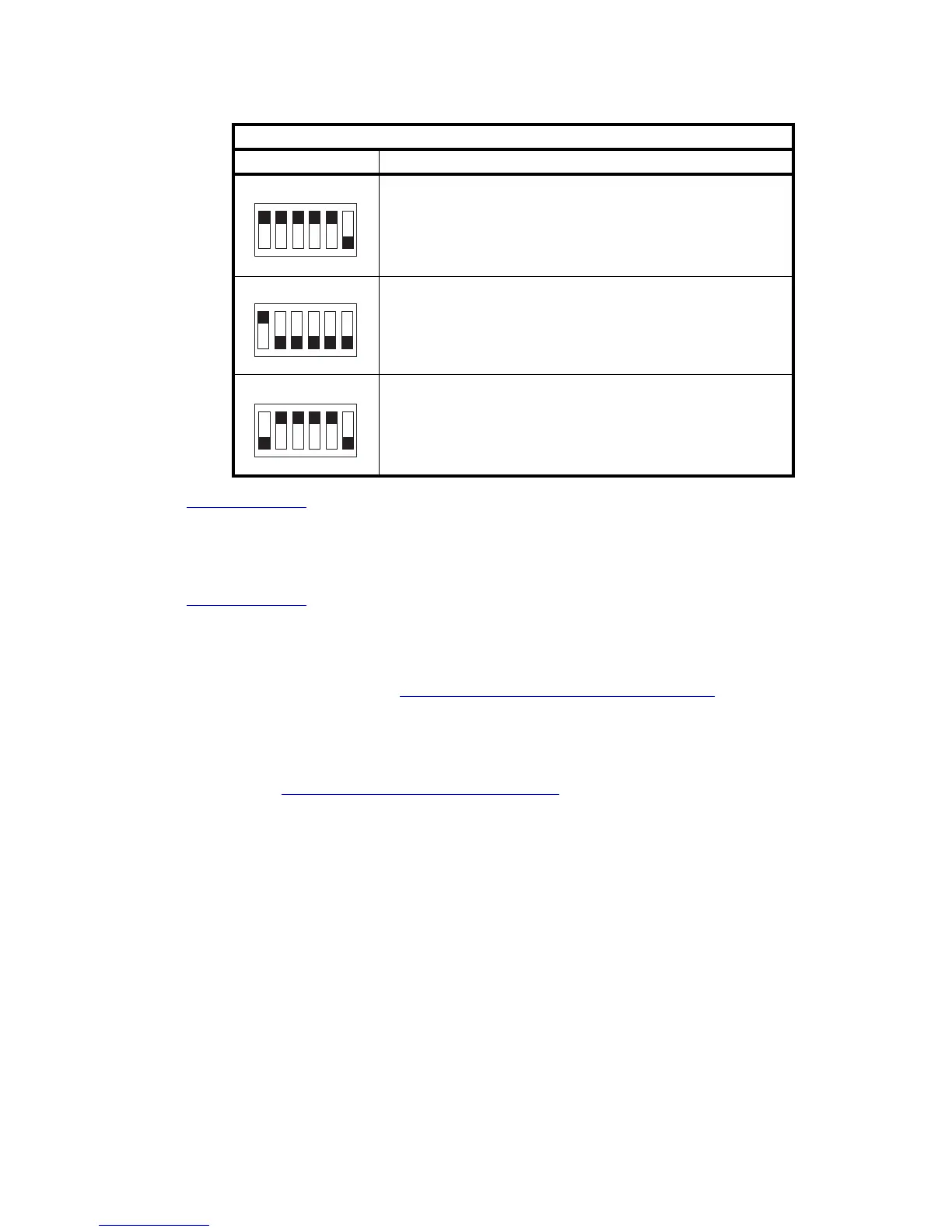
Examples of typical settings
Switch Settings Description
T1 ESF
Span A through D Framing set for ESF
T1 D4
Span A through D Framing set for D4
E1 120 ohms ESF
Span A through D Line Impedance set for ESF
123456
swdft1es KLC 092799
123456
swdft1d4 KLC 092799
123456
swdfe1es KLC 092799



 To Next Page