Install Telecommunications Cabling
Cable Installation
SI Installation and Upgrades 413
June 2004
Control Carrier Outputs Cable Installation
A connector on the rear of the Control Carrier is labeled AUX. A 25-pair cable connects the AUX
connector to a 110-type terminal block in the yellow field of the trunk/auxiliary field. The AUX
connector outputs include the following:
• Alarm monitoring for the processor interface
• 7 DC power (-48 VDC) sources for emergency transfer units
• 3 DC power (-48 VDC) sources for remotely powering a total of 3 attendant consoles or executive
voice terminal adjuncts
• The remote maintenance internal modem connection location
• Access to a relay contact is available to actuate a light, bell, or similar type customer-supplied
device. The relay can be administered to make contact when a major, minor, or warning alarm
condition occurs in the system
Trunk Cables Among Network Interface, Sneak
Fuse Panel, and Cabinet
The 1-pair of Central Office (CO) trunks are installed by the network provider in the green field. Up to 24
pairs may be terminated on each row of the 110-type terminal block. Tie trunks also appear in the green
field with up to eight 3-pair trunks terminated on each row of the 110-type terminal block.
WP-90929, List 1 and 3 concentrator cables can be used to connect the cabinet to the 110-type terminal
blocks in the purple field. The 1-pair patch cords/jumper wires are then run from the purple terminal
block rows to the green terminal block rows in order to establish the correct 3-pair modularity.
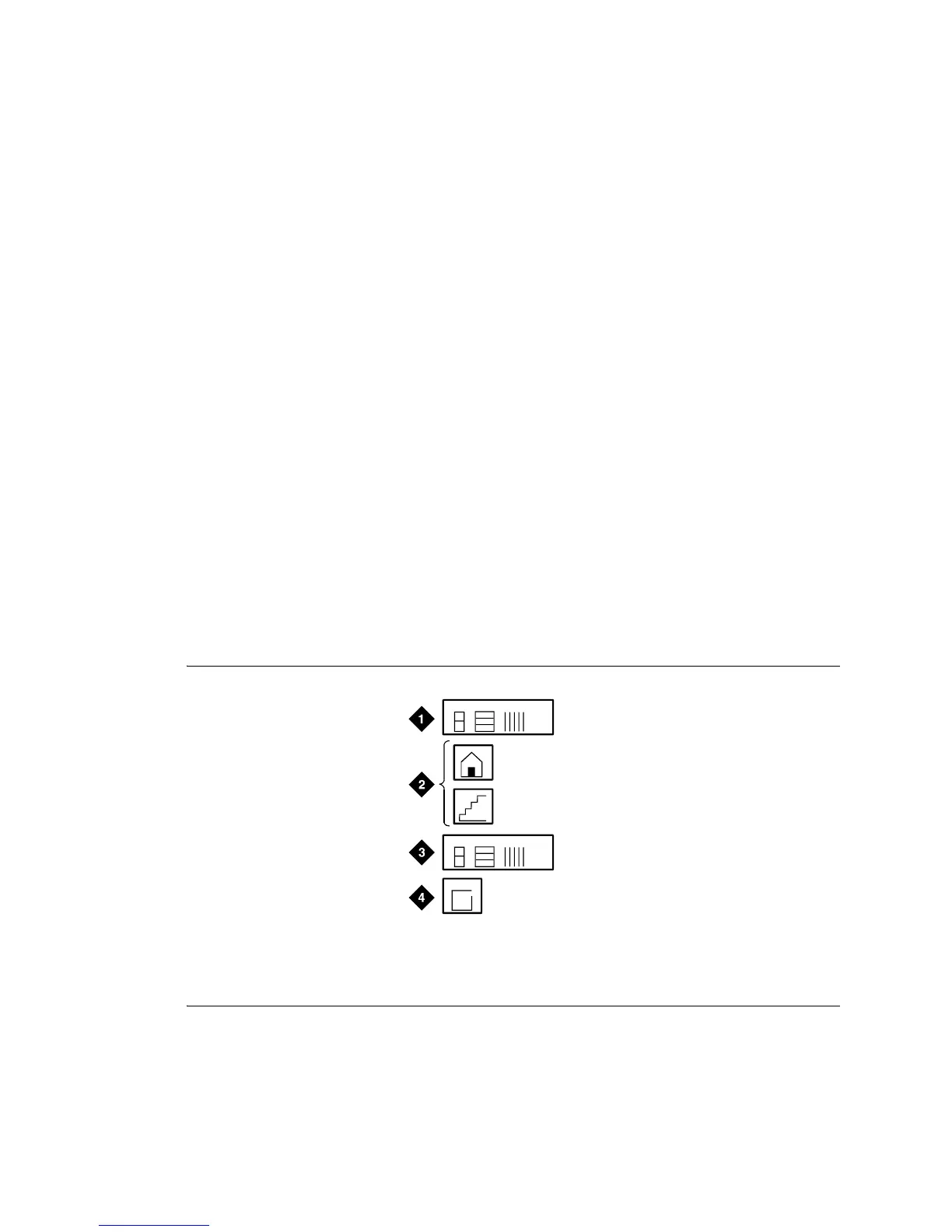
Figure 140: Equipment Room Cabling Labels
labels LJK 060396
1A2
A
Figure notes
1 Purple Label (Port Cable)
2 Blue/Yellow Label (Building and Floor)
3 Yellow Label (Auxiliary)
4 Blue/Yellow Label (Site or Satellite)



 To Next Page