Install and Connect Modems
Task List: Install and Connect Modems
SI Installation and Upgrades 705
June 2004
2 Connect the opposite end of the RS-232 cable to a dumb terminal.
3 Set the dumb terminal to full duplex mode.
4 Type AT&N6 to set the baud rate to 9600.
The modem connects at 9600 baud but throughput is at 1200 baud.
5 Type AT&W0 to save the setting into non-volatile RAM.
6 Set Switch 5 to the OFF (up) position to disable auto answer.
7 Disconnect the RS-232 cable from the terminal and connect it to the TERMINAL connector on
the rear of the system cabinet.
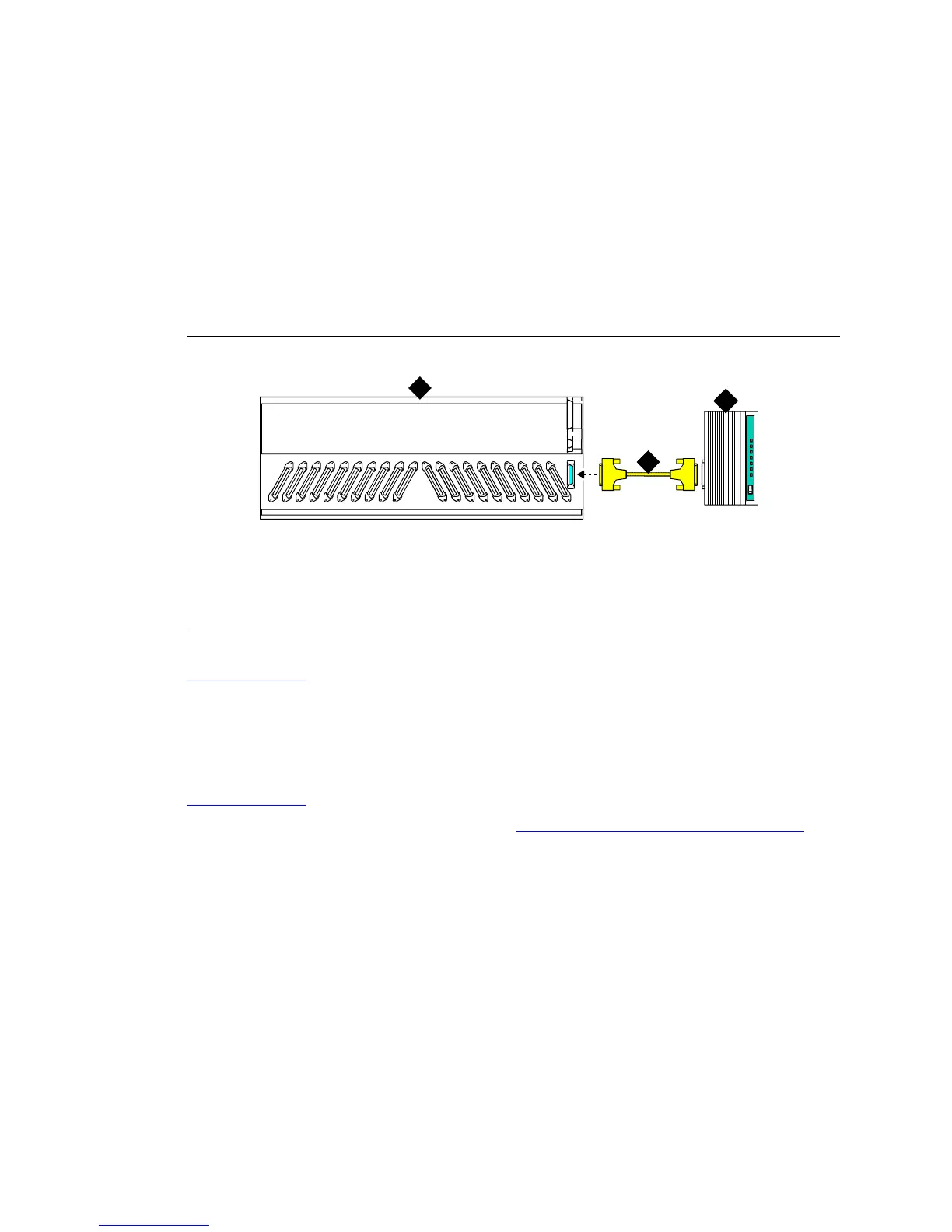
Figure 285: Connect External Modem to EPN
Return to Task List
Add U.S. Robotics Model USR 33.6 EXT
External Modem to PPN
Return to Task List
1 Connect an RS-232 cable to the modem. See Figure 286, Connect External Modem to PPN, on
page 706.
NOTE:
In the following steps, a PC with Windows 95 or Windows NT 4.0 may be substituted for
the dumb terminal. Use the Hyperterminal (terminal emulation) application.
2 Connect the opposite end of the RS-232 cable to a dumb terminal.
3 Set the dumb terminal to full duplex mode.
4 Type AT&N6 to set the baud rate to 9600.
The modem connects at 9600 baud but throughput is at 1200 baud.
5 Type AT&W0 to save the setting into non-volatile RAM.
6 Set Switch 5 to the OFF (up) position to disable auto answer.
Figure notes
1 U.S. Robotics External Modem
2 RS-232 Cable
3 Expansion Port Network
cydfepnm KLC 100397
TERMINAL
1
2
3



 To Next Page