178 MAX Operation & Service Manual178 Section7:Troubleshooting MAX Operation & Service Manual
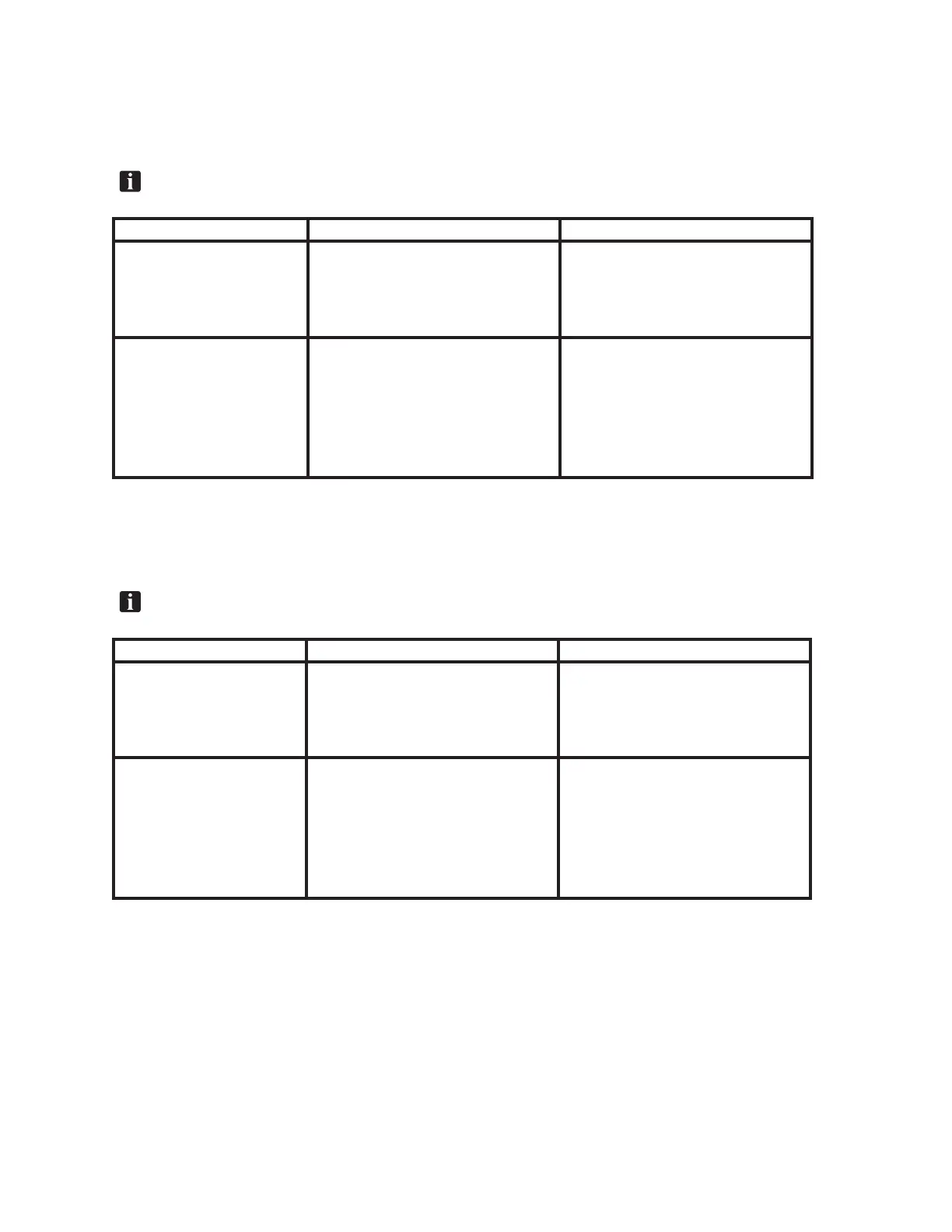
Error Message - Table 7-9:
An error occurred during operation.
The Buffer Brush is not working properly. The Buffer Brush up sensor did not activate.
NOTE:VerifyerrorsourcethroughTabletdiagnostics.
What you may observe Potential problem Action
1. Buffer brush lifting motor
cycles until it actuates the down
switch
1. Broken wire or loose connection at
switch or at the electronic enclosure
2. Failed switch
1. Repair connection
2. Verify switch function using Tablet diag-
nostics and replace if necessary
2. Buffer brush is down and did
not raise
1. Loose cam
2. Broken wire or loose connection at motor
or at the electronic enclosure
3. Buffer brush lifting motor failure
1. Tighten set screw on the “at” of the
motor shaft
2. Repair connection
3. Verify motor function using Tablet diag-
nostics and replace if necessary
Error Message - Table 7-10:
An error occurred during operation.
The Squeegee is not working properly. The Squeegee Up sensor did not activate.
NOTE:VerifyerrorsourcethroughTabletdiagnostics.
What you may observe Potential problem Action
1. Squeegee motor cycles until it
actuates the down switch
1. Broken wire or loose connection at
switch or at the electronic enclosure
2. Failed switch
1. Repair connection
2. Verify switch function using Tablet diag-
nostics and replace if necessary
2. Squeegee is down and did
not raise
1. Loose cam
2. Broken wire or loose connection at motor
or at the electronic enclosure
3. Squeegee lifting motor failure
1. Tighten set screw on the “at” of the
motor shaft
2. Repair connection
3. Verify motor function using Tablet diag-
nostics and replace if necessary



 To Next Page