MAX Operation & Service Manual 73MAX Operation & Service Manual Section4:UnderstandingTheTabletInterface73
Maintenance Logs
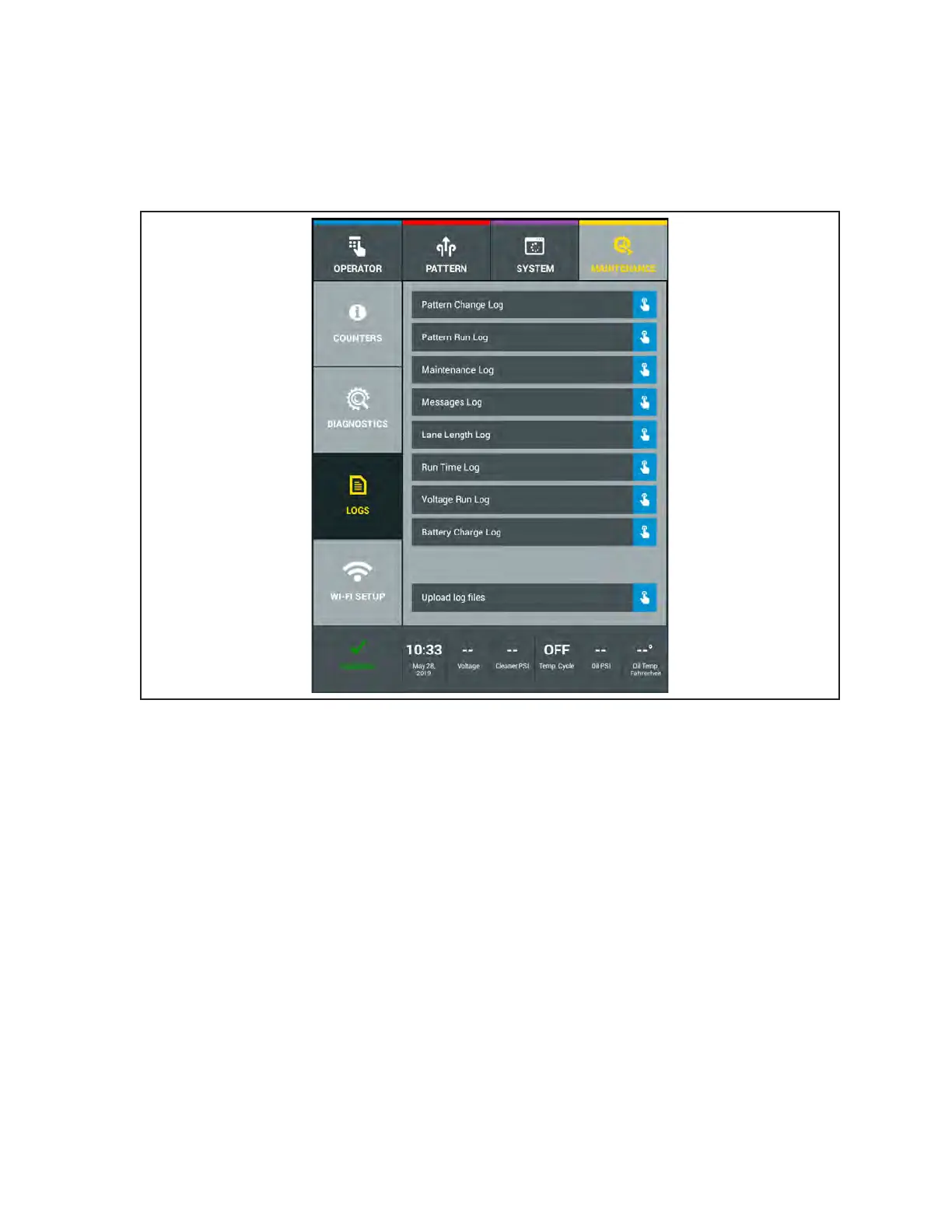
Most programming changes and all of the maintenance and error messages displayed are tracked and
can be viewed on the Logs screen to make troubleshooting faster and more reliable. Users with Level 1
or 2 security access can view all logs. Logs cannot be edited or deleted by the user. Refer to Figure
4- 41.
Figure4-41.MaintenanceLogs



 To Next Page