MAX Operation & Service Manual 75MAX Operation & Service Manual Section4:UnderstandingTheTabletInterface75
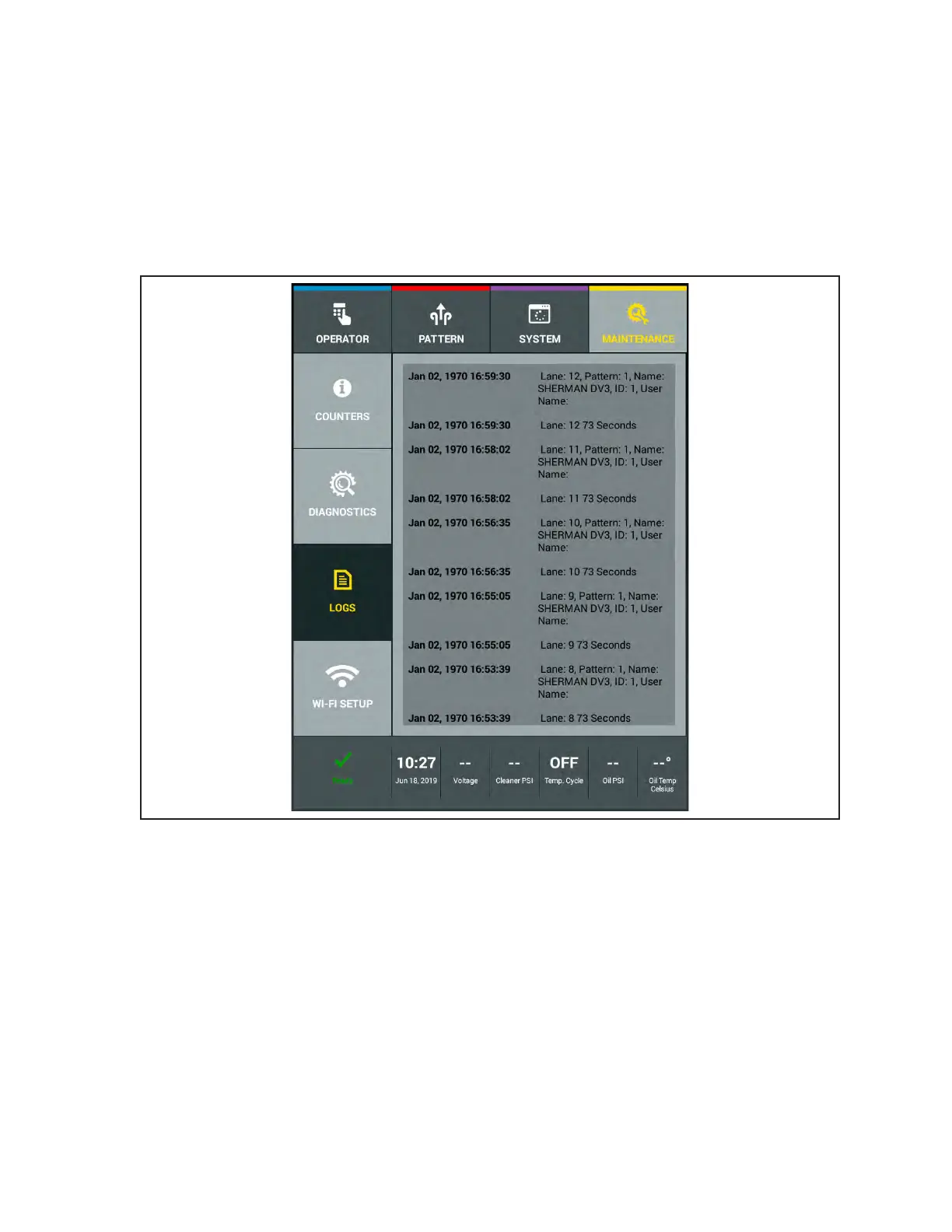
Pattern Run Log
This log provides historical information on the machine’s operations including what lanes were run,
in what order the lanes were run, the times the lanes were run, which patterns were run on each lane,
any pattern overrides, and the ID of the user who ran the lanes, if the login feature is enabled. Refer to
Figure4-43.
1. Go to the Maintenance screen and select Logs, then select the Pattern Run Log.
2. Swipe your nger up or down on the screen to view log le.
Figure4-43.PatternRunLog



 To Next Page