76 MAX Operation & Service Manual76 Section4:UnderstandingTheTabletInterface MAX Operation & Service Manual
Maintenance Log
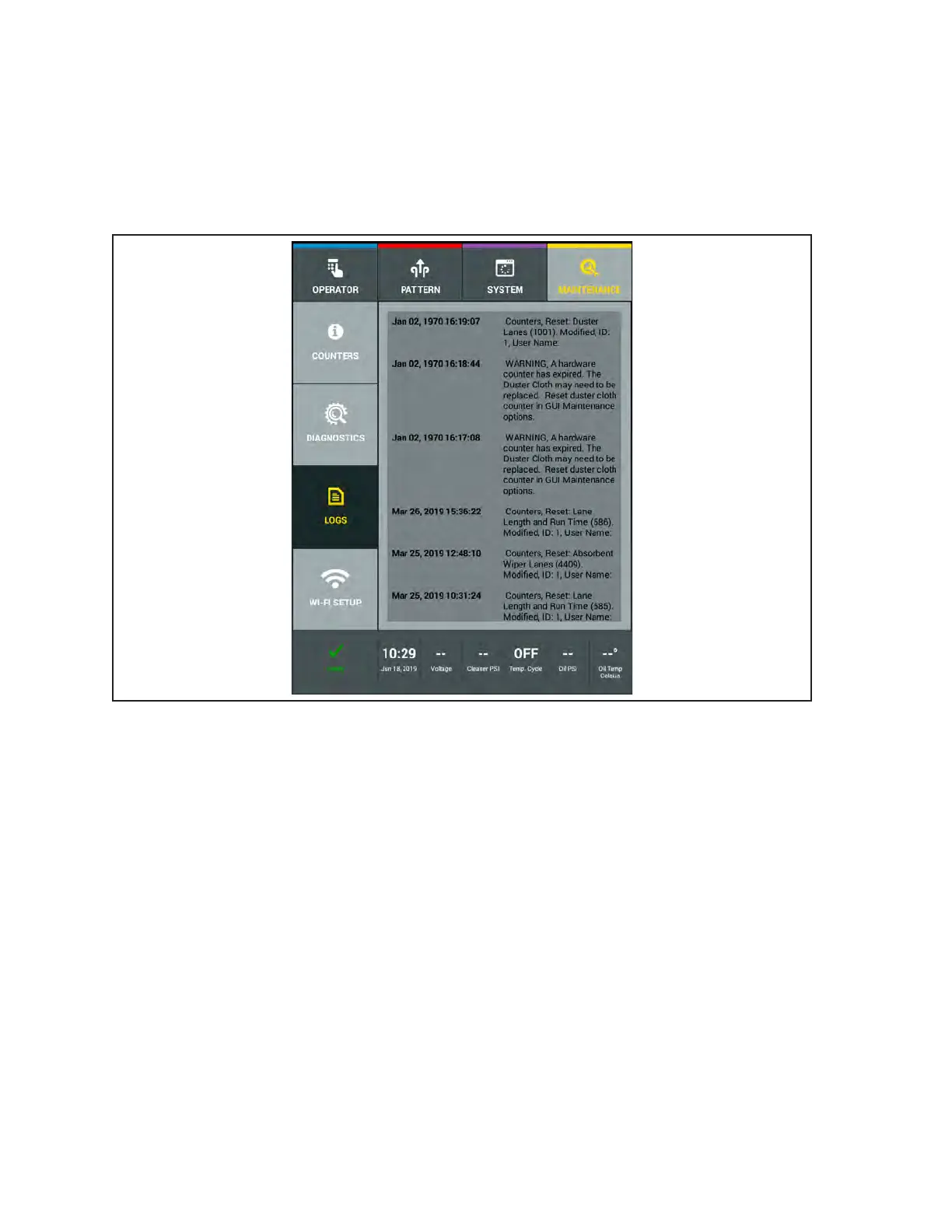
This log tracks when hardware items needed to be replaced, when counters were reset, and provides a
date and time stamp and user name to verify when these actions took place. Refer to Figure4-44.
1. Go to the Maintenance screen and select Logs, then select the Maintenance Log.
2. Swipe your nger up or down on the screen to view log le.
Figure4-44.MaintenanceLog



 To Next Page